




Beautiful.ai
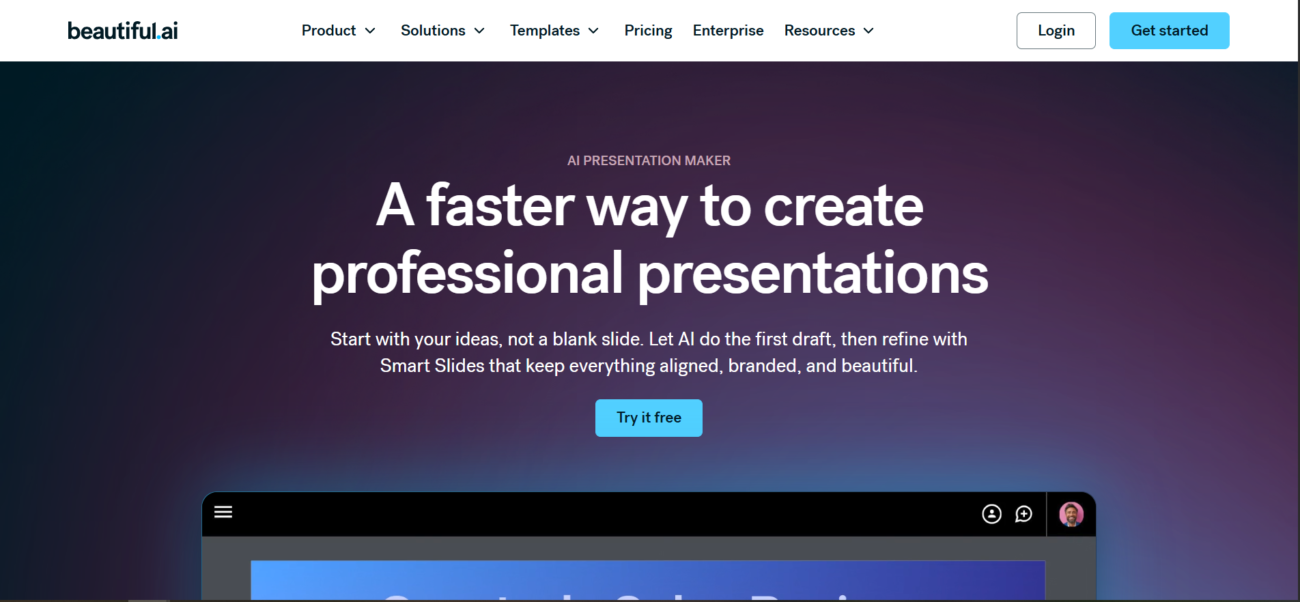



See Beautiful.ai in Action
About Beautiful.ai
What Is Beautiful.ai?
Beautiful.ai is a cloud-based presentation platform designed to eliminate the tedious manual formatting of traditional slide software. At its core are Smart Slides—intelligent layouts that use built-in design logic to automatically realign, resize, and rebalance content as you add or edit it. In 2026, it serves as a robust “Design Intelligence” partner for teams, featuring DesignerBot, an AI assistant that can generate entire decks from a prompt, summarize text, or rework copy to hit a specific professional tone.
Where You Can Use It
Beautiful.ai is primarily a Web-based platform, offering a seamless creation experience in any modern browser. It provides a dedicated Desktop player for high-performance, offline presenting and Mobile apps for iOS and Android to review or present on the go. For enterprise users, the platform offers a PowerPoint Add-in that brings its design automation directly into the Microsoft 365 environment, and a robust Api that allows organizations to programmatically generate presentations from their own internal data sources.
What It’s Known For
Beautiful.ai is best known for its Design Automation, which ensures every slide adheres to professional principles of spacing, hierarchy, and alignment without user intervention. It is highly regarded for its Brand Guardrails, allowing companies to set universal themes that automatically apply colors, fonts, and logos across every deck created by their team. In 2026, it is recognized for its Viewer Analytics, providing detailed insights into how audiences engage with shared decks, and its Real-Time Collaboration workspace that allows multiple stakeholders to build and approve high-stakes presentations in one centralized environment.
Features

AI content writing tools generate blog posts, outlines, and long-form content, helping users write faster and stay consistent.

AI data visualization tools turn data into charts, dashboards, and reports for clear, fast insights.

AI image generation tools create visuals from text prompts for marketing, design, and creative projects.

AI integrations connect AI tools with existing platforms to streamline workflows and automation.

AI natural language processing helps software understand, analyze, and work with human language.

AI team collaboration tools support shared workspaces and structured teamwork around AI workflows.
Use Cases
Content creation AI tools help:
- generate ideas and creative concepts
- produce written, visual, and audio content faster
- stay consistent across platforms and formats
- reduce time spent on repetitive creation tasks
These tools help creators focus more on creativity and growth instead of manual production.
Design AI tools help:
- create visuals and design assets faster
- explore styles and creative variations
- improve design consistency and quality
- reduce time spent on manual edits
These tools help teams focus more on creativity and less on repetitive design work.
Development AI tools help:
- write, debug, and refactor code faster
- understand existing codebases more easily
- automate repetitive development tasks
- improve productivity across the development lifecycle
These tools help teams build, test, and ship software more efficiently.
Education AI tools help:
- personalize learning experiences
- support teaching and lesson planning
- automate grading and assessments
- improve engagement and learning outcomes
These tools help educators and learners save time and improve educational results.
Marketing AI tools help:
- plan and create campaigns faster
- generate content across multiple channels
- analyze performance and optimize strategy
- automate repetitive marketing tasks
These tools help marketing teams work more efficiently and drive better results.
Startups AI tools help:
- build and validate products faster
- automate operations with small teams
- support data-driven decisions
- scale workflows efficiently
These tools help startups move faster and compete with limited resources.
Pricing
Features:
- Unlimited Slides: No caps on the number of presentations you can create.
- AI Content Generation: Generate entire drafts, rewrite text, or create AI images from prompts.
- Smart Slide Library: Access to 60+ “smart” templates (timelines, org charts, etc.) that auto-format.
- Custom Themes: Set your own fonts, colors, and logos to ensure every deck is on-brand.
- Stock Media: Unlimited access to millions of icons, photos, and videos.
- Exports: Download your decks as editable PowerPoint (.pptx) or PDF files.
- Viewer Analytics: See who viewed your presentation and which slides they looked at.
Features:
- Everything in Pro, plus:
- Collaborative Workspace: Real-time co-editing and shared folders for your team.
- Centralized Library: A shared “Company Library” for slides, images, and brand assets.
- Locked Slides: Ensure critical slides (like legal disclaimers or “About Us” pages) cannot be edited by other team members.
- Template Branding: Create and push “Master Templates” to everyone on the team.
- Role-Based Permissions: Manage who can edit, view, or share specific presentations.
Features:
- Unlimited Everything: No limits on users, storage, or shared assets.
- Advanced Security: SAML SSO (Single Sign-On) and SCIM user provisioning.
- Brand Guardrails: Advanced controls to prevent “off-brand” slides from being created.
- Priority Support: Dedicated account manager and 24/7 technical assistance.
- Onboarding & Training: Customized training sessions for your department.
Pricing information is provided for reference only and may change.
For the most up-to-date pricing, please visit the
official website
.
Alternatives to Beautiful.ai




Leave a comment