




SlidesAI



See SlidesAI in Action
About SlidesAI
What Is SlidesAI?
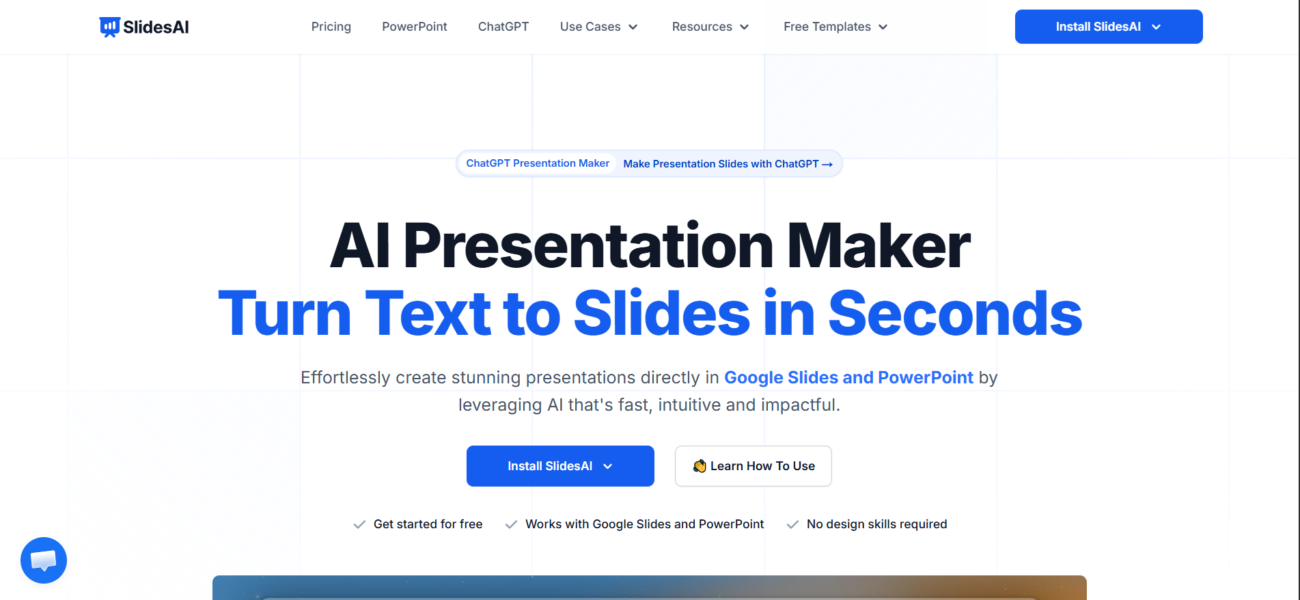
SlidesAI is a productivity tool designed to eliminate the manual effort required to build presentations. By 2026, it has become a staple for professionals and students who need to turn reports, articles, or rough notes into polished slide decks. It functions as an intelligent layer within your favorite presentation software, utilizing advanced LLMs to summarize text, suggest logical structures, and generate relevant imagery, allowing users to focus on delivery rather than design.
Where You Can Use It
SlidesAI is primarily used as a Web-based extension. It integrates directly into the Google Workspace environment as a Google Slides add-on and into Microsoft 365 as a PowerPoint extension. This allows for a seamless workflow where you can stay within your preferred ecosystem on your Desktop. For developers and enterprises, the Api allows for the programmatic generation of presentations, making it possible to automate the creation of recurring business reports or personalized educational materials.
What It’s Known For
SlidesAI is most famous for its Text-to-Presentation feature, which can digest thousands of words and produce a themed, multi-slide deck in under a minute. It is highly regarded for its AI Multilingual Support, allowing users to input text in over 100 languages and generate presentations instantly, which is particularly useful for global marketing and educational teams. In 2026, it is recognized for its Magic Write feature—an AI design partner that can rewrite your bullet points for better impact, suggest different slide layouts, and even find high-quality citations to back up your claims.
Features

AI content writing tools generate blog posts, outlines, and long-form content, helping users write faster and stay consistent.

AI image generation tools create visuals from text prompts for marketing, design, and creative projects.

AI integrations connect AI tools with existing platforms to streamline workflows and automation.

AI multilingual support enables tools to understand and generate content in multiple languages.
AI team collaboration tools support shared workspaces and structured teamwork around AI workflows.

AI text summarization tools condense long text into clear, easy-to-read summaries.
Use Cases
Content creation AI tools help:
- generate ideas and creative concepts
- produce written, visual, and audio content faster
- stay consistent across platforms and formats
- reduce time spent on repetitive creation tasks
These tools help creators focus more on creativity and growth instead of manual production.
Design AI tools help:
- create visuals and design assets faster
- explore styles and creative variations
- improve design consistency and quality
- reduce time spent on manual edits
These tools help teams focus more on creativity and less on repetitive design work.
Education AI tools help:
- personalize learning experiences
- support teaching and lesson planning
- automate grading and assessments
- improve engagement and learning outcomes
These tools help educators and learners save time and improve educational results.
Marketing AI tools help:
- plan and create campaigns faster
- generate content across multiple channels
- analyze performance and optimize strategy
- automate repetitive marketing tasks
These tools help marketing teams work more efficiently and drive better results.
Startups AI tools help:
- build and validate products faster
- automate operations with small teams
- support data-driven decisions
- scale workflows efficiently
These tools help startups move faster and compete with limited resources.
YouTube AI tools help:
- generate video ideas, titles, and scripts
- edit videos and add captions faster
- optimize videos for reach and engagement
- automate repetitive channel tasks
These tools help creators grow their channels and produce content more efficiently.
Pricing
Features:
- 3 Presentations per month: Resets every 30 days.
- 2,500 Character Input: Limited to short-form text or summaries.
- 10 AI Credits per month: Used for “Magic Write” (editing existing text).
- Core Export: Only standard Google Slides/PPTX.
- Support: Access to the help center and basic email support.
Features:
- 10 Presentations per month: Ideal for students or light business use.
- 6,000 Character Input: Allows you to paste longer articles or project briefs.
- 50 AI Credits per month: More freedom to use the “Remix” and “Wordsmith” features.
- Document Upload: (New for 2026) Upload PDF or Word docs directly to generate slides.
- Premium Stock Images: Access to a larger library of licensed icons and photos.
- Video Export (Beta): Export your slides as a simple MP4 video (limited to 10 per month).
Features:
- Unlimited Presentations: No monthly caps on deck generation.
- 12,000 Character Input: Can handle massive documents, research papers, or full video transcripts.
- 100 AI Credits per month: High-volume access to all AI editing tools.
- Advanced Document Upload: Support for complex formatting and spreadsheets.
- Priority Support: Direct line to the dev team for troubleshooting.
- 20 Video Exports per month: High-quality MP4 exports for social media or presentations.
Pricing information is provided for reference only and may change.
For the most up-to-date pricing, please visit the
official website
.
Alternatives to SlidesAI





Leave a comment