




Descript



How Descript Works
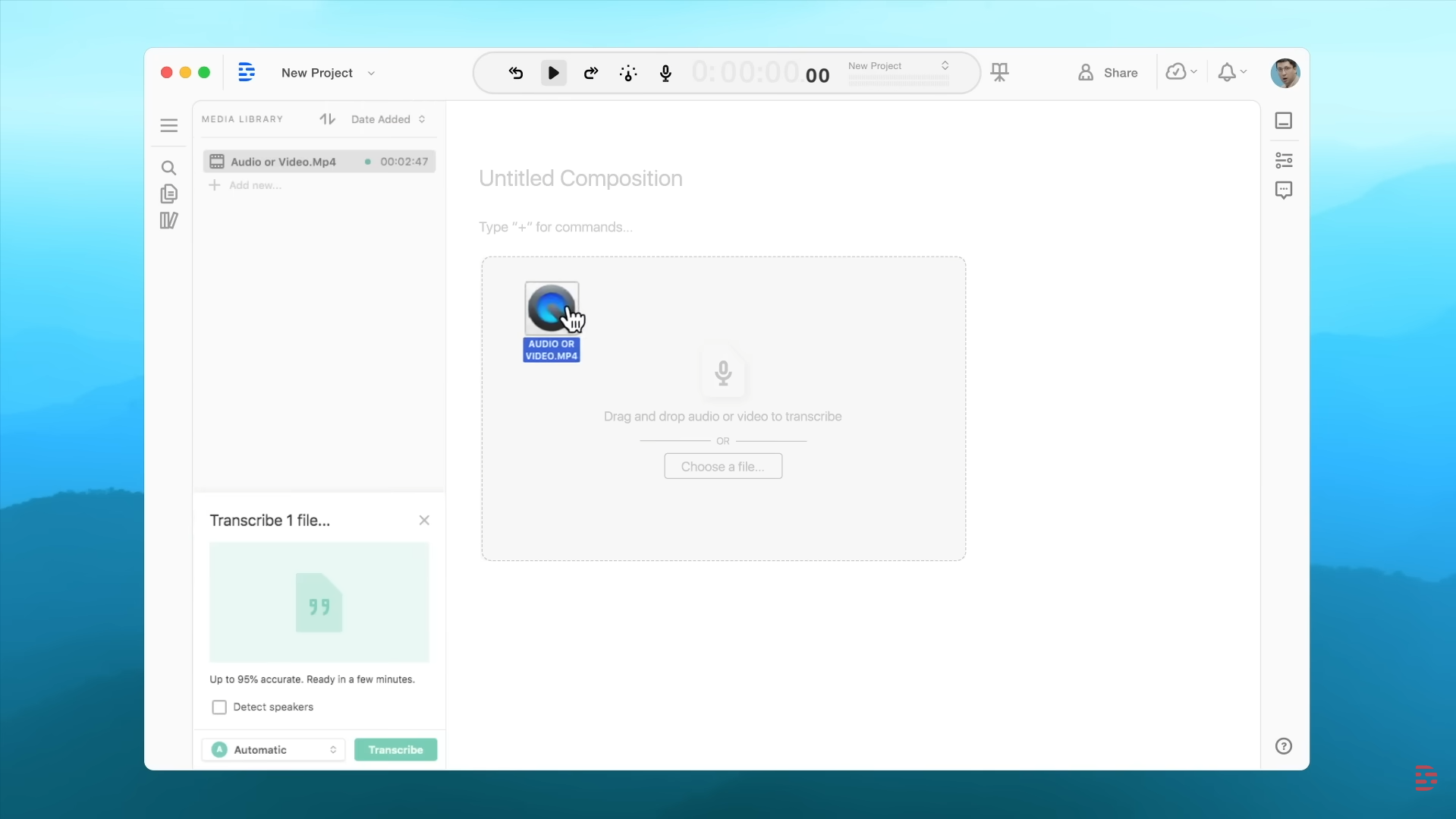
Upload your files
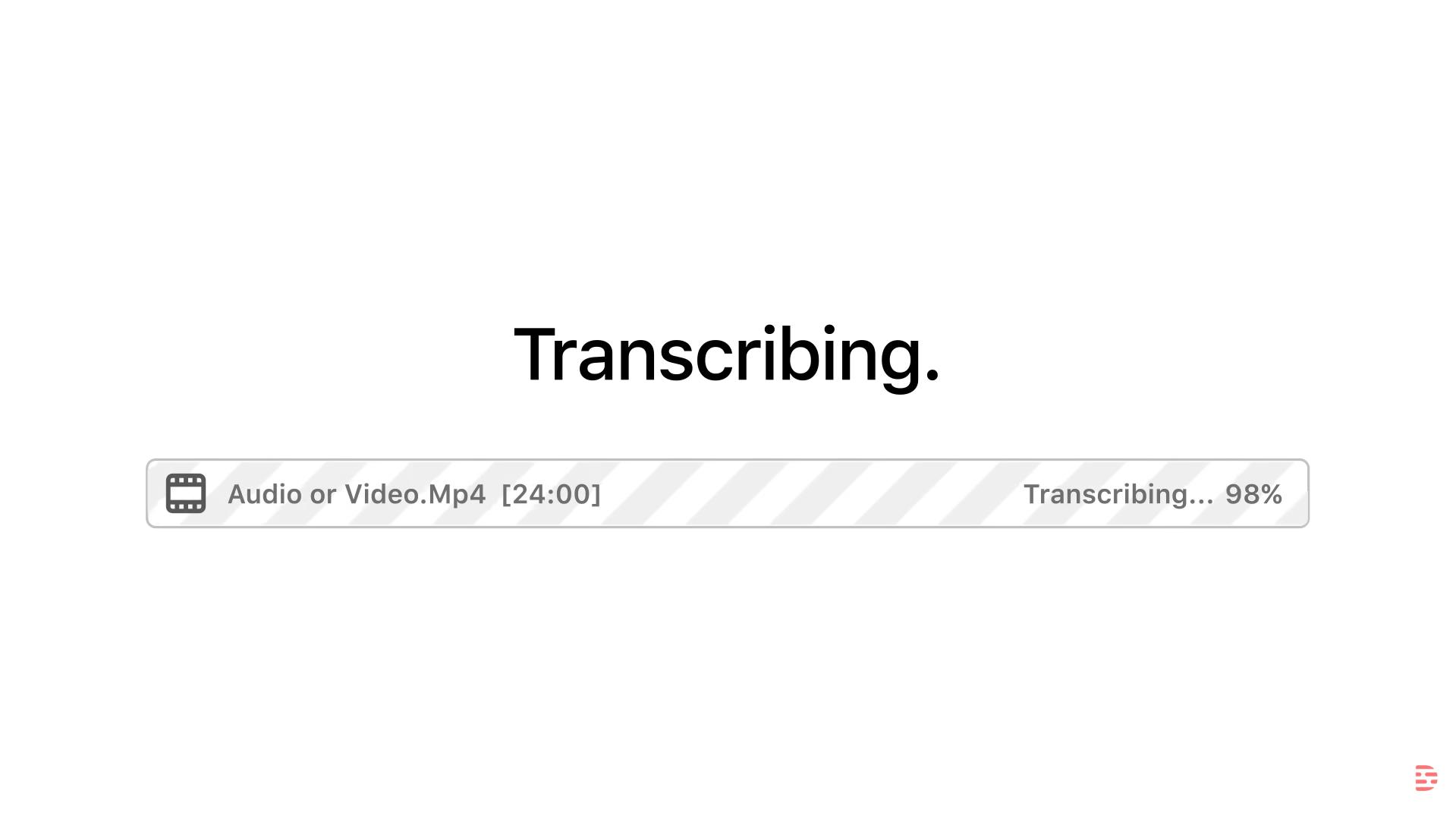
Wait for transcribing
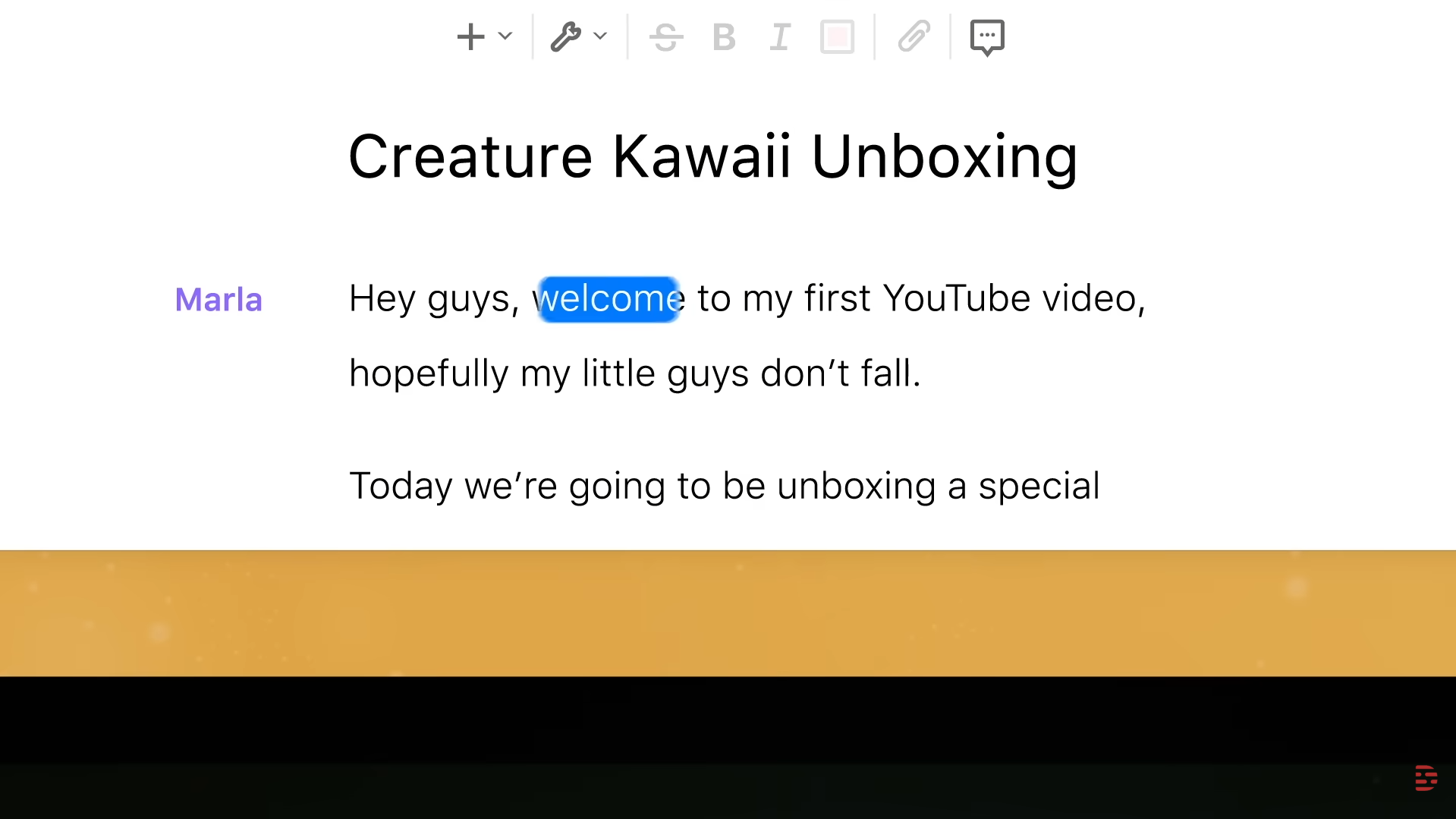
Get your output
See Descript in Action
About Descript
What Is Descript?
Descript is an all-in-one editor for audio and video built around a simple idea: if you can edit a document, you can edit media. Instead of cutting on a traditional timeline first, Descript turns recordings into text so you can revise the transcript and the edits follow the audio/video.
Where You Can Use It
Descript is available as a desktop app for macOS and Windows, and it also offers a web version for creating and collaborating in the browser.
Features

AI audio generation creates music, sound effects, and audio assets for content and production.

AI speech-to-text tools convert spoken audio into accurate written transcripts.
AI team collaboration tools support shared workspaces and structured teamwork around AI workflows.
AI text-to-speech refers to generating natural-sounding voice audio from written text.

AI video editing tools speed up editing by trimming videos, adding subtitles, and applying effects.
AI voice generation tools create human-like voice audio for narration, voiceovers, and content.
Use Cases
Content creation AI tools help:
- generate ideas and creative concepts
- produce written, visual, and audio content faster
- stay consistent across platforms and formats
- reduce time spent on repetitive creation tasks
These tools help creators focus more on creativity and growth instead of manual production.
Education AI tools help:
- personalize learning experiences
- support teaching and lesson planning
- automate grading and assessments
- improve engagement and learning outcomes
These tools help educators and learners save time and improve educational results.
Marketing AI tools help:
- plan and create campaigns faster
- generate content across multiple channels
- analyze performance and optimize strategy
- automate repetitive marketing tasks
These tools help marketing teams work more efficiently and drive better results.
Podcasting AI tools help:
- record, edit, and enhance audio faster
- generate transcripts and show notes
- improve audio quality and clarity
- streamline podcast production workflows
These tools help podcasters produce high-quality episodes with less manual effort.
Social media AI tools help:
- create posts and captions faster
- plan and schedule content consistently
- analyze performance and engagement
- automate repetitive social media tasks
These tools help teams and creators grow their presence and manage social media more efficiently.
YouTube AI tools help:
- generate video ideas, titles, and scripts
- edit videos and add captions faster
- optimize videos for reach and engagement
- automate repetitive channel tasks
These tools help creators grow their channels and produce content more efficiently.
Pricing
Features:
- 60 Media Minutes per month (transcription and editing).
- 100 AI Credits (one-time gift, not monthly).
- 720p Video export (includes a watermark).
- Limited use of Underlord (AI co-editor).
- Trial access to AI Speech (voice cloning).
- Unlimited screen recordings.
- 5GB Cloud storage.
Features:
- 10 Media Hours (600 minutes) per month.
- 400 AI Credits per month.
- 1080p Watermark-free video exports.
- Full access to Underlord AI features.
- Basic AI Suite: 20 uses/month (Studio Sound, Filler Word Removal, Clips).
- AI Speech: 30 minutes/month of custom voice clones.
- 100GB Cloud storage.
Features:
- 30 Media Hours (1,800 minutes) per month.
- 800 AI Credits per month (+500 bonus credits in some promotions).
- 4K Watermark-free video exports.
- Unlimited AI tools: Studio Sound, Eye Contact Correction, and Green Screen.
- AI Speech: 120 minutes/month of voice cloning and dubbing.
- Full Stock Library: Unlimited access to royalty-free media.
- Advanced Export: Timeline and batch export for professional workflows.
- 1TB Cloud storage.
Pricing information is provided for reference only and may change.
For the most up-to-date pricing, please visit the
official website
.
Alternatives to Descript





Leave a comment