




CapCut
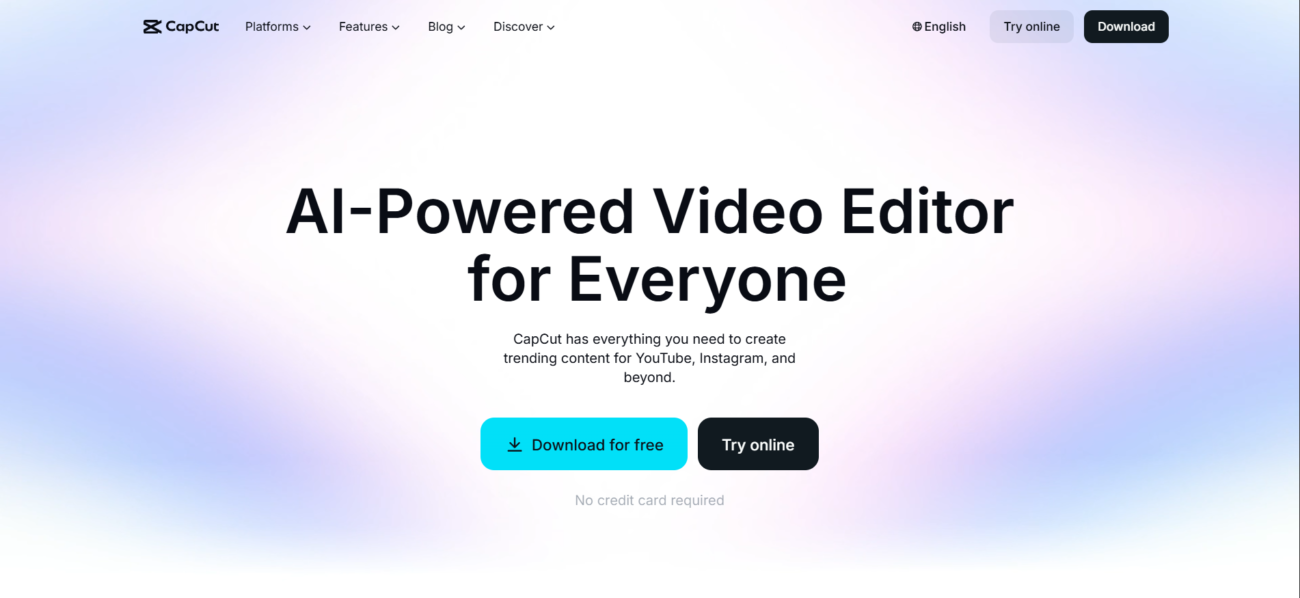



How CapCut Works
Enter your prompt for video creating
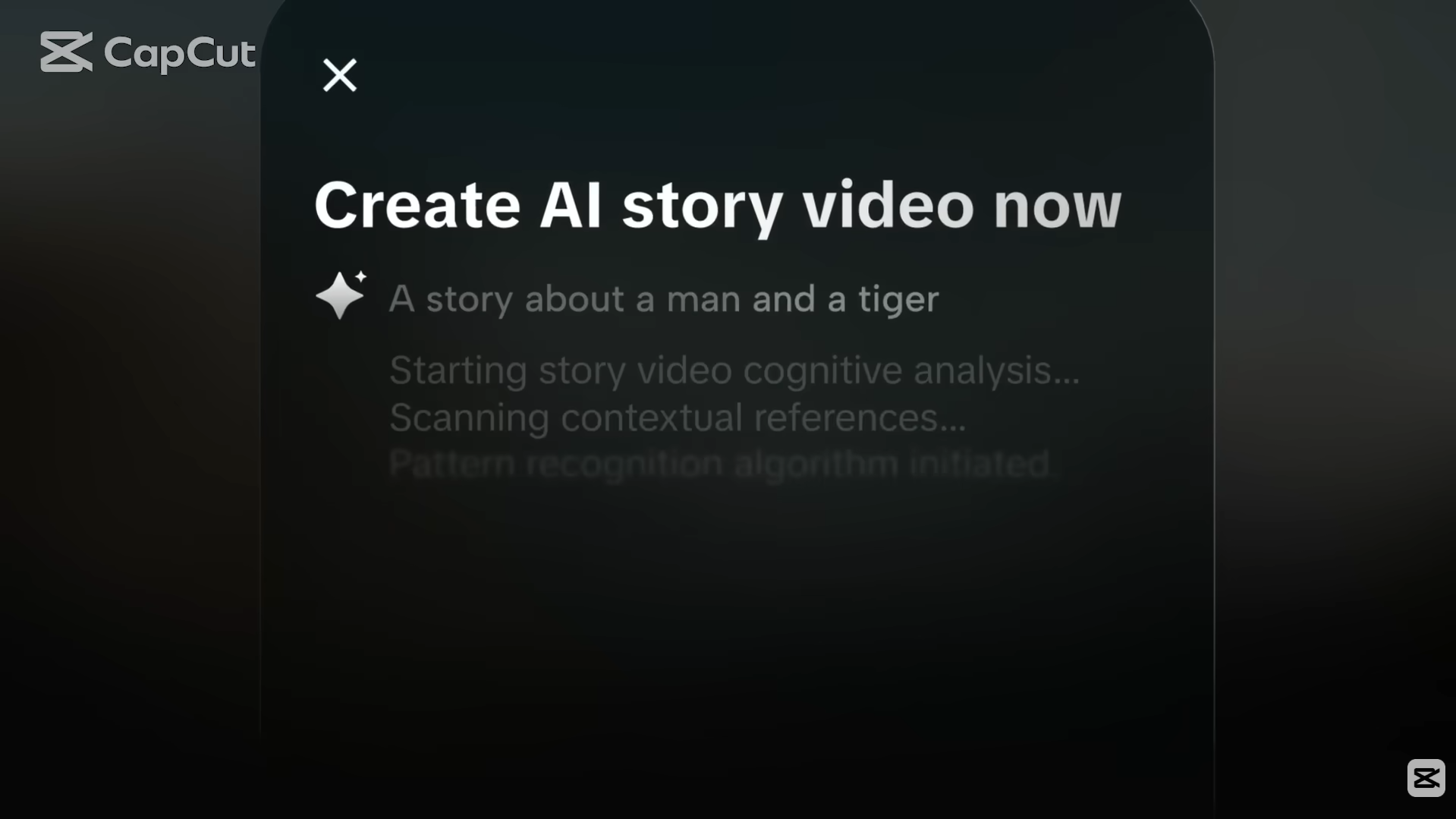
Get your output

See CapCut in Action
About CapCut
What Is CapCut?
CapCut is a video editing platform built for fast creation and everyday editing—especially for short-form content. It focuses on speed and ease: you start from clips or templates, refine the result with simple controls, and export in formats that fit social platforms.
Where You Can Use It
CapCut runs as an online editor, and it also has desktop and mobile apps—so you can edit from a browser, a Windows device, or your phone depending on your workflow.
Pricing approach
CapCut offers a free version plus paid tiers (often described as Standard/Pro). Exact pricing can differ by country, platform, and promotions, so the most reliable check is the official subscription page.
Features

AI image editing tools enhance images, remove backgrounds, and make quick visual edits automatically.

AI speech-to-text tools convert spoken audio into accurate written transcripts.
AI text-to-speech refers to generating natural-sounding voice audio from written text.

AI video editing tools speed up editing by trimming videos, adding subtitles, and applying effects.

AI video generation tools create videos from text or images for fast content production.
AI voice generation tools create human-like voice audio for narration, voiceovers, and content.
Use Cases
Advertising AI tools help:
- create and optimize ad copy
- generate visuals and creatives faster
- improve targeting and campaign performance
- reduce manual work in ad management
These tools streamline advertising workflows and help teams launch and optimize campaigns more efficiently.
Content creation AI tools help:
- generate ideas and creative concepts
- produce written, visual, and audio content faster
- stay consistent across platforms and formats
- reduce time spent on repetitive creation tasks
These tools help creators focus more on creativity and growth instead of manual production.
Small business AI tools help:
- automate daily operations and admin work
- manage marketing, sales, and customer support
- improve productivity with limited resources
- support smarter decisions and growth
These tools help small businesses run more efficiently without increasing overhead.
Social media AI tools help:
- create posts and captions faster
- plan and schedule content consistently
- analyze performance and engagement
- automate repetitive social media tasks
These tools help teams and creators grow their presence and manage social media more efficiently.
YouTube AI tools help:
- generate video ideas, titles, and scripts
- edit videos and add captions faster
- optimize videos for reach and engagement
- automate repetitive channel tasks
These tools help creators grow their channels and produce content more efficiently.
Pricing
Features:
- Full basic editing suite: Cut, trim, split, and speed control.
- 1080p Video exports at 60fps.
- Standard Stock Library: Access to free music, transitions, and basic filters.
- 1GB Cloud storage for project backups.
- Watermark-free exports (on standard projects, not premium templates).
- Multi-platform access: Use on Mobile, Desktop, or Web.
Features:
- Mobile-only access: This tier is specifically designed for smartphone/tablet editors.
- Remove watermarks from all premium templates.
- Extended Cloud storage: 10GB–20GB (varies by region).
- Premium filters and effects: Unlocks select “Pro” visual assets.
- Commercial Use Licenses: Access to a library of music and assets cleared for business use.
- 720p/1080p resolution exports.
Features:
- Cross-platform access: Full use on Mobile, Desktop, and Web with project syncing.
- 4K + HDR exports: Cinema-quality resolution and color grading.
- 1,024GB (1TB) Cloud storage: Massive space for 4K video assets.
- AI Feature Suite: Full access to Auto-captions (multi-language), AI Background Removal, and AI Video Enhancement.
- Advanced Editing Tools: Motion Tracking, Eye Contact Correction, and Noise Reduction.
- Cinematic AI Visuals: Access to Sora 2 and Veo 3.1 powered generation tools.
- Priority Rendering: Your videos skip the processing queue for faster exports.
Pricing information is provided for reference only and may change.
For the most up-to-date pricing, please visit the
official website
.
User Review
Leave a comment

Alternatives to CapCut





Very good software