




Looka



How Looka Works
Write your company's name
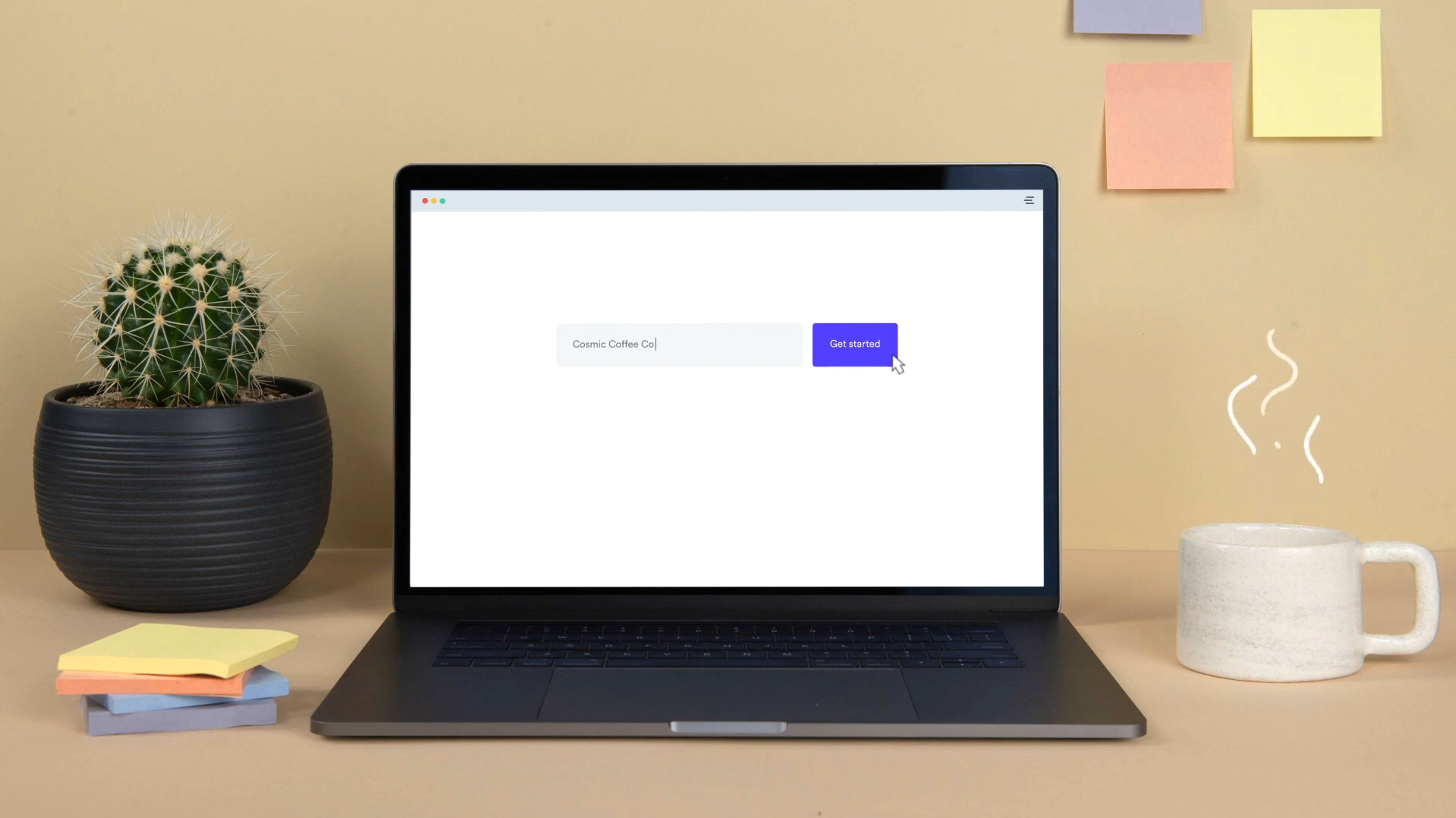
Choose your inspiration
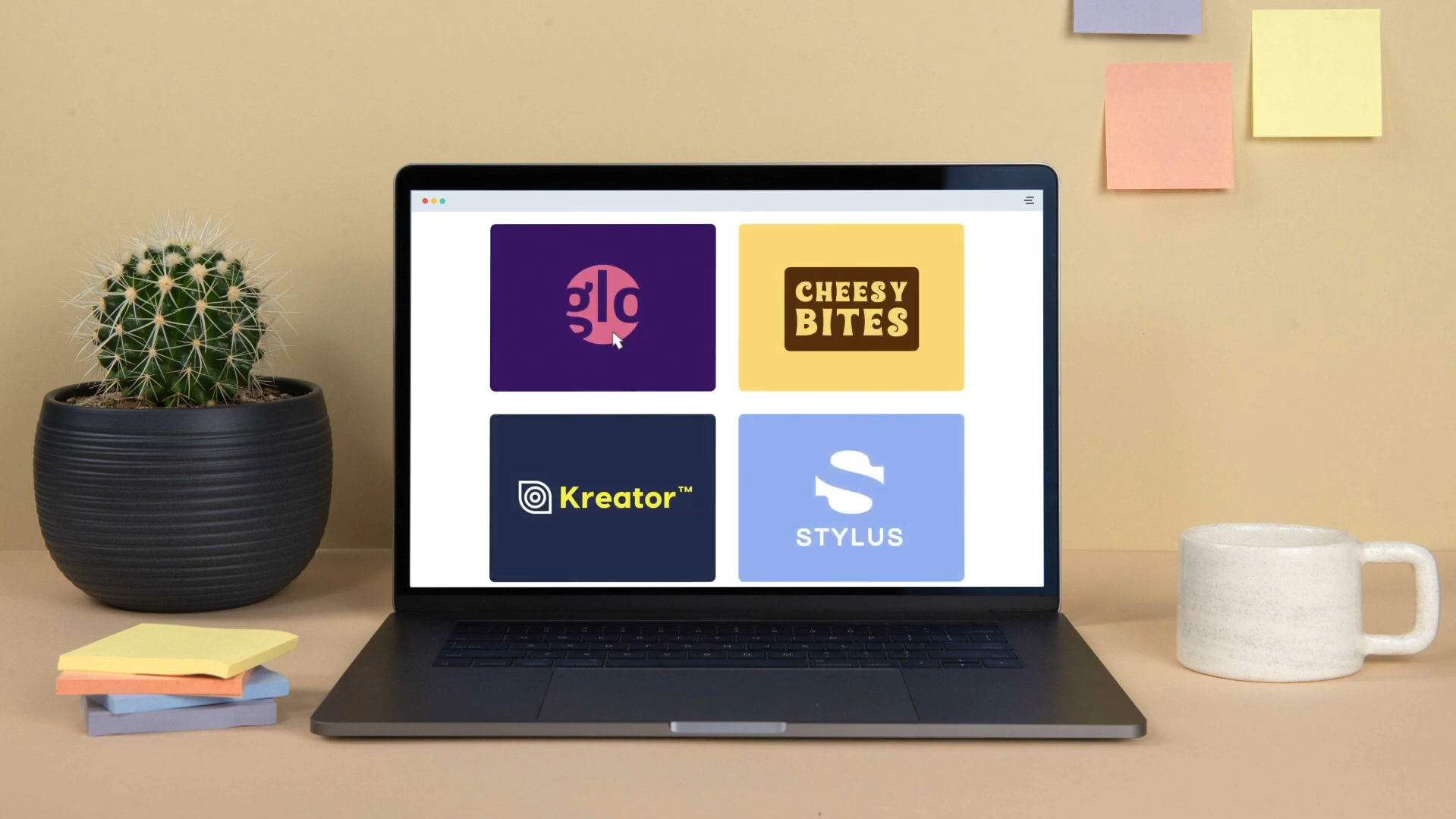
Pick your logo
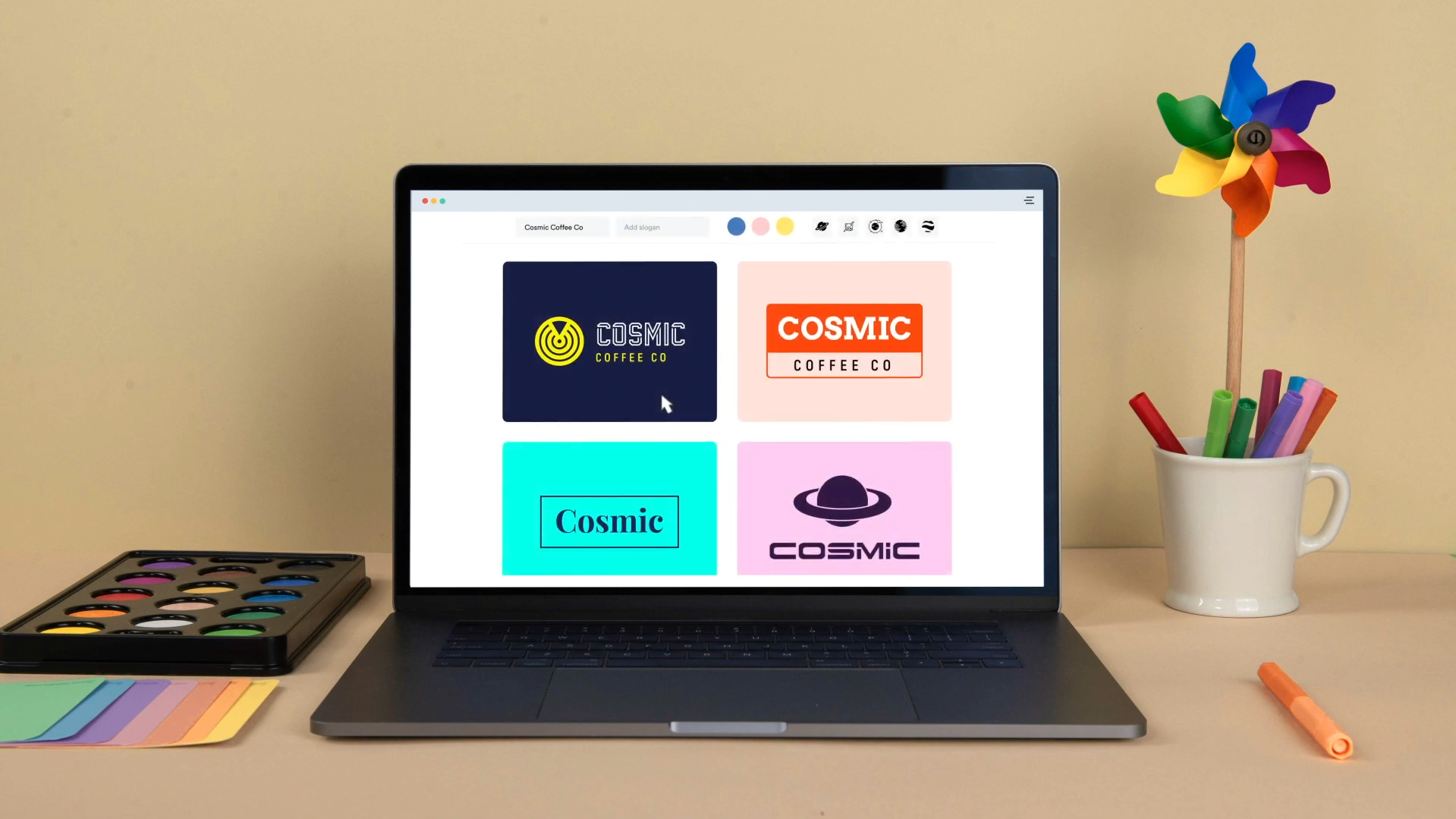
See Looka in Action
About Looka
What Is Looka?
Looka is an AI-native graphic design platform built specifically for entrepreneurs and startups who need professional branding without the high cost of a traditional agency. It uses proprietary machine learning models to analyze your design preferences and generate hundreds of unique logo concepts. In 2026, Looka has expanded beyond just logos to become a “Business Launchpad,” featuring an AI Brand System that automatically applies your logo, colors, and fonts to over 300 different marketing materials, from business cards to social media profiles.
Where You Can Use It
Looka is a Web-first platform, offering a powerful, interactive editor that works in any modern browser on Desktop and mobile. For creators on the move, the LookA AI app for iOS provides a streamlined version of the logo maker. Once your brand is finalized, Looka integrates with GoDaddy to help you launch a branded Website and uses Zapier to connect your branding assets with other business tools. Its high-resolution exports (SVG, PNG, EPS, PDF) are designed to be used seamlessly across Google Workspace and Microsoft 365 documents.
What It’s Known For
Looka is most famous for its AI Logo Maker, which avoids “cookie-cutter” templates by smartly combining icons, fonts, and color palettes based on design principles. It is highly regarded for its VentureKit Integration, which allows users to generate a complete AI Business Plan—including SWOT analysis and financial forecasts—alongside their visual identity. In 2026, it is recognized for the Looka Brand Kit, a live dashboard where you can manage your entire brand’s visual presence, update designs in real-time, and even order branded merchandise through their integrated print shop.
Features

AI content writing tools generate blog posts, outlines, and long-form content, helping users write faster and stay consistent.

AI image editing tools enhance images, remove backgrounds, and make quick visual edits automatically.
AI image generation tools create visuals from text prompts for marketing, design, and creative projects.

AI integrations connect AI tools with existing platforms to streamline workflows and automation.

AI natural language processing helps software understand, analyze, and work with human language.

AI team collaboration tools support shared workspaces and structured teamwork around AI workflows.
Use Cases
Business management AI tools help:
- organize and manage business operations
- improve planning and decision-making
- automate routine management tasks
- increase visibility across teams and processes
These tools help businesses run more efficiently and stay organized as they scale.
Design AI tools help:
- create visuals and design assets faster
- explore styles and creative variations
- improve design consistency and quality
- reduce time spent on manual edits
These tools help teams focus more on creativity and less on repetitive design work.
Marketing AI tools help:
- plan and create campaigns faster
- generate content across multiple channels
- analyze performance and optimize strategy
- automate repetitive marketing tasks
These tools help marketing teams work more efficiently and drive better results.
Small business AI tools help:
- automate daily operations and admin work
- manage marketing, sales, and customer support
- improve productivity with limited resources
- support smarter decisions and growth
These tools help small businesses run more efficiently without increasing overhead.
Startups AI tools help:
- build and validate products faster
- automate operations with small teams
- support data-driven decisions
- scale workflows efficiently
These tools help startups move faster and compete with limited resources.
Website creation AI tools help:
- build websites faster with less technical effort
- generate layouts, pages, and content
- customize design and structure easily
- automate setup and publishing tasks
These tools help users launch and manage websites more efficiently.
Pricing
Features:
- One Logo File: You receive a single PNG file of your design.
- Low Resolution: The file is capped at 1000px, suitable for basic web use but not for large-scale printing.
- Non-Transparent Background: The file typically includes a solid background (no transparent PNG).
- AI Design Access: Use the standard AI generator to create and tweak your logo before buying.
- Standard Support: Access to basic customer service via email.
Features:
- Multiple High-Res File Types: Includes PNG, EPS, SVG, and PDF formats.
- Vector Files: Scalable files for professional printing (billboards, t-shirts, etc.).
- Transparent Backgrounds: Includes color, black, and white versions with no background.
- Unlimited Post-Purchase Changes: You can go back and edit your logo colors or layout even after you’ve bought it.
- Full Ownership: You own the commercial rights to your logo for your Lead Gen or YouTube business.
- Lifetime Technical Support: Priority assistance for any file or design issues.
Features:
- 300+ Branded Templates: Automatically generates business cards, social media headers, and email signatures using your logo.
- Unlimited Logo Changes: Edit your primary logo at any time; your brand assets will automatically update to match.
- Full Ownership: You retain the rights to your logo even if you cancel the subscription later.
- $3,000+ in Exclusive Offers: Access to discounts from partners like Google Ads, HubSpot, and Quickbooks.
- Social Media Kit: Pre-sized posts and covers for YouTube, Instagram, LinkedIn, and Facebook.
- Brand Guidelines: A generated document outlining your brand’s fonts and hex colors for consistent site design.
Pricing information is provided for reference only and may change.
For the most up-to-date pricing, please visit the
official website
.
Alternatives to Looka




Leave a comment