




Photoroom



See Photoroom in Action
About Photoroom
What Is Photoroom?
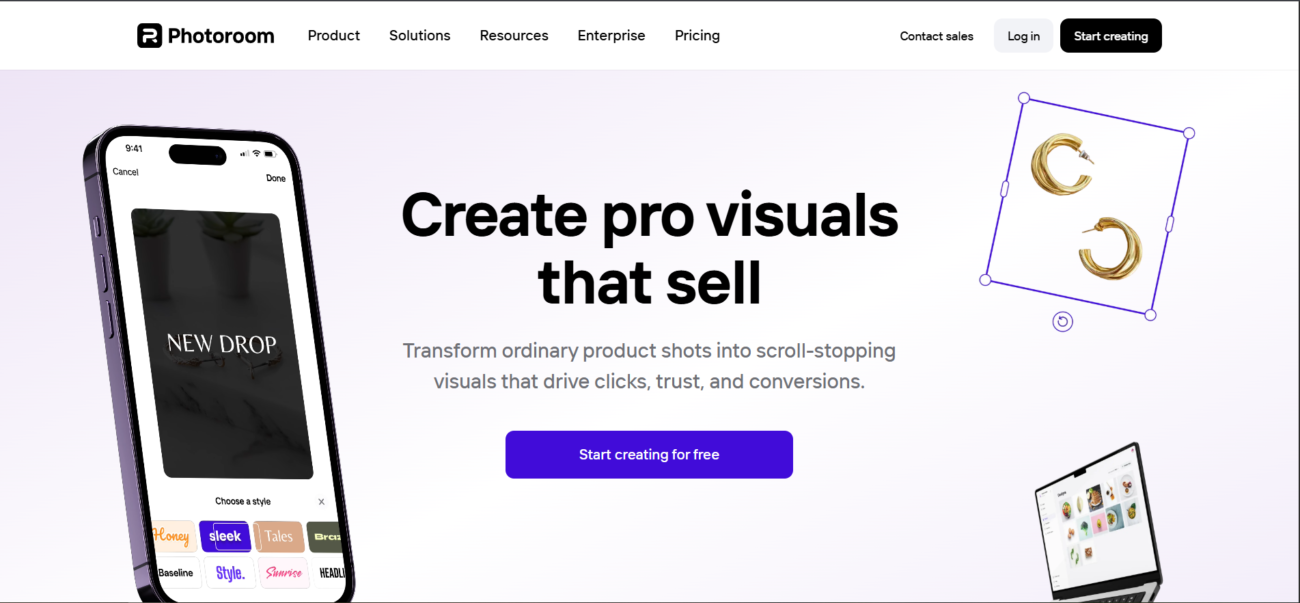
Photoroom is a leading AI-powered photo editing solution specifically designed for commerce and content creation. It replaces traditional photography studios by allowing anyone to create professional product shots using just a smartphone or a web browser. In 2026, Photoroom introduced the Virtual Model and AI Relight features, which allow fashion brands to display clothing on lifelike digital models and adjust studio lighting instantly, reducing production costs by up to 90%.
Where You Can Use It
Photoroom is a truly cross-platform tool. Its Mobile app (iOS and Android) is widely used by marketplace sellers on Etsy and Depop to capture and edit photos on the go. The Web and Desktop versions offer more robust features like Batch Mode, where users can edit hundreds of images simultaneously to maintain catalog consistency. For high-volume businesses and enterprises like Netflix and Audi, the Photoroom API provides a scalable way to integrate background removal and AI scene generation directly into existing internal workflows and CMS platforms.
What It’s Known For
Photoroom is most famous for its Best-in-Class Background Remover, which uses advanced computer vision to identify subjects—even transparent objects or complex hair—with extreme precision. It is highly regarded for its AI Backgrounds, which can generate a realistic, high-fidelity scene for a product based on a simple text prompt or a reference image. In 2026, it is recognized for Product Video Generator, a feature that turns static product photos into short, scroll-stopping promotional clips for social media and marketplace listings, reportedly increasing click-through rates by up to 72%.
Features

AI API access lets developers integrate AI into apps, products, and workflows, enabling automation at scale.

AI image editing tools enhance images, remove backgrounds, and make quick visual edits automatically.
AI image generation tools create visuals from text prompts for marketing, design, and creative projects.
AI integrations connect AI tools with existing platforms to streamline workflows and automation.

AI multilingual support enables tools to understand and generate content in multiple languages.
AI team collaboration tools support shared workspaces and structured teamwork around AI workflows.
Use Cases
Content creation AI tools help:
- generate ideas and creative concepts
- produce written, visual, and audio content faster
- stay consistent across platforms and formats
- reduce time spent on repetitive creation tasks
These tools help creators focus more on creativity and growth instead of manual production.
E-commerce AI tools help:
- optimize product listings and descriptions
- personalize shopping experiences
- improve conversion rates and sales
- automate routine store operations
These tools help online stores grow faster and operate more efficiently.
Freelancing AI tools help:
- manage projects and client work
- create content and deliverables faster
- automate routine admin tasks
- improve productivity and time management
These tools help freelancers work more efficiently and focus on high-value work.
Marketing AI tools help:
- plan and create campaigns faster
- generate content across multiple channels
- analyze performance and optimize strategy
- automate repetitive marketing tasks
These tools help marketing teams work more efficiently and drive better results.
AI-powered sales tools help:
- automate lead prospecting and outreach
- save hours by identifying and contacting high-fit prospects automatically.
- shorten the sales cycle with instant insights
- get real-time data and AI coaching to handle objections and close deals faster.
These tools empower sales professionals to crush quotas by spending more time selling and less time on data entry.
Small business AI tools help:
- automate daily operations and admin work
- manage marketing, sales, and customer support
- improve productivity with limited resources
- support smarter decisions and growth
These tools help small businesses run more efficiently without increasing overhead.
Pricing
Features:
- 250 Exports per month: Includes a Photoroom watermark on all images.
- Basic AI Tools: Standard background removal and limited access to AI Backgrounds.
- Single Image Editing: You cannot use Batch Mode (editing multiple photos at once).
- Low Resolution: Exports are capped at standard definition.
- No Commercial Rights: Intended for personal testing only.
Features:
- 500 Batch Exports per month: Automate editing for up to 50 images at a time.
- Unlimited Manual Exports: Single-image saves are unlimited and watermark-free.
- 1,000 AI Credits: Used for advanced tools like Product Staging, Virtual Model, and Ghost Mannequin.
- HD Exports: High-resolution output for high-quality web listings.
- Brand Kit: Store your logos and specific colors for consistent product shots.
Features:
- 1,500 Batch Exports per month: Designed for power resellers or growing small brands.
- 3,000 AI Credits: Triple the allowance for generative AI features.
- Better AI Models: Access to the 2026 “Pro-Plus” models for more realistic shadows and lighting.
- Priority Processing: Faster generation times for large batches.
- Premium Support: Faster response times for technical issues.
Pricing information is provided for reference only and may change.
For the most up-to-date pricing, please visit the
official website
.
Alternatives to Photoroom




Leave a comment