




Murf




How Murf Works
Choose your model
Get your output
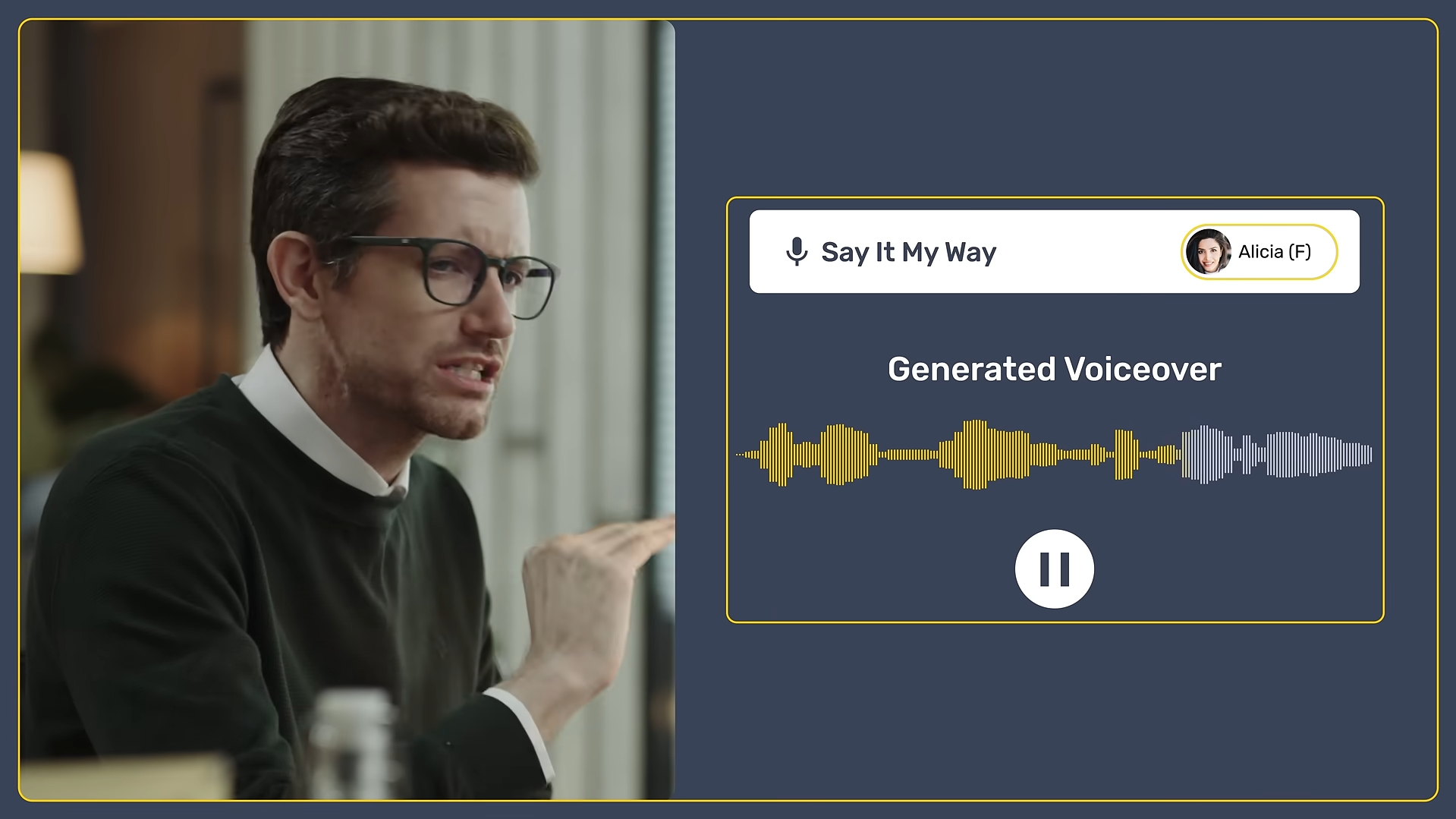
See Murf in Action
About Murf
What Is Murf?
Murf is built for creating studio-style voice output without recording equipment. You write or paste text, choose a voice style, and generate audio you can refine with simple controls—making it practical for creators and teams that need voiceovers quickly and consistently.
Where You Can Use It
Murf is available as a web-based studio and also offers a developer platform through its API, so you can generate voice programmatically for products, automations, or internal tools.
Integrations & workflow fit
If you want Murf inside your workflow, it supports automation via Zapier and offers a Google Slides add-on through Google Workspace Marketplace to add voiceovers directly to presentations.
Features

AI API access lets developers integrate AI into apps, products, and workflows, enabling automation at scale.

AI audio generation creates music, sound effects, and audio assets for content and production.
AI integrations connect AI tools with existing platforms to streamline workflows and automation.

AI text-to-speech refers to generating natural-sounding voice audio from written text.
AI translation tools convert text between languages quickly and accurately.
AI voice generation tools create human-like voice audio for narration, voiceovers, and content.
Use Cases
Content creation AI tools help:
- generate ideas and creative concepts
- produce written, visual, and audio content faster
- stay consistent across platforms and formats
- reduce time spent on repetitive creation tasks
These tools help creators focus more on creativity and growth instead of manual production.
Education AI tools help:
- personalize learning experiences
- support teaching and lesson planning
- automate grading and assessments
- improve engagement and learning outcomes
These tools help educators and learners save time and improve educational results.
Marketing AI tools help:
- plan and create campaigns faster
- generate content across multiple channels
- analyze performance and optimize strategy
- automate repetitive marketing tasks
These tools help marketing teams work more efficiently and drive better results.
Social media AI tools help:
- create posts and captions faster
- plan and schedule content consistently
- analyze performance and engagement
- automate repetitive social media tasks
These tools help teams and creators grow their presence and manage social media more efficiently.
YouTube AI tools help:
- generate video ideas, titles, and scripts
- edit videos and add captions faster
- optimize videos for reach and engagement
- automate repetitive channel tasks
These tools help creators grow their channels and produce content more efficiently.
Pricing
Features:
- 10 Minutes of total voice generation (one-time, not monthly).
- 10 Minutes of transcription.
- Access to all 120+ voices for testing.
- No downloads allowed (sharing via link only).
- No commercial rights (personal use/testing only).
- 1 Editor seat and up to 5 viewers.
Features:
- 2 Hours (120 minutes) of voice generation per month.
- Unlimited downloads (watermark-free).
- Commercial Rights for YouTube and social media monetization.
- All 200+ voices across 20+ languages and accents.
- Canva Integration for direct video voiceovers.
- Access to 8,000+ licensed soundtracks and images.
- 1 Editor seat included.
Features:
- 8 Hours (480 minutes) of voice generation per month.
- 3 Editor seats and 5 viewers (collaborative workspace).
- AI Voice Changer: Convert your own recordings into professional AI voices.
- Google Slides Integration for narrating presentations.
- Murf Voices for Windows Apps (desktop application access).
- High Priority support.
- Everything in Creator, plus advanced collaboration and security.
Pricing information is provided for reference only and may change.
For the most up-to-date pricing, please visit the
official website
.
Alternatives to Murf




Leave a comment