




Otter
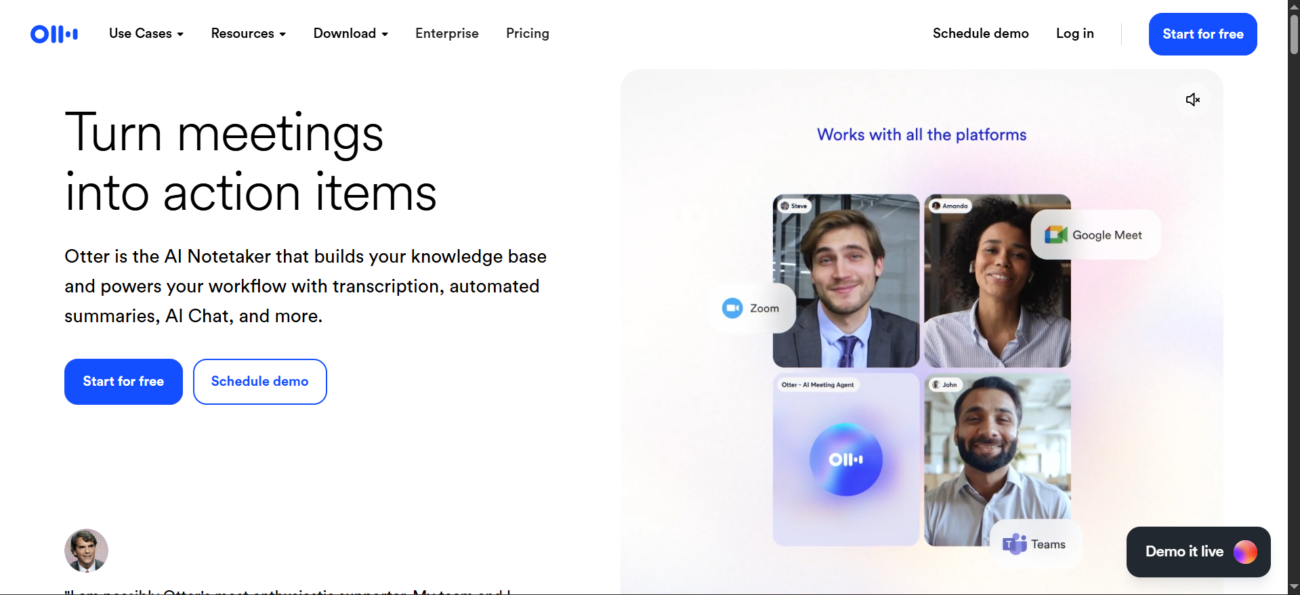



How Otter Works
Connect Otter.ai
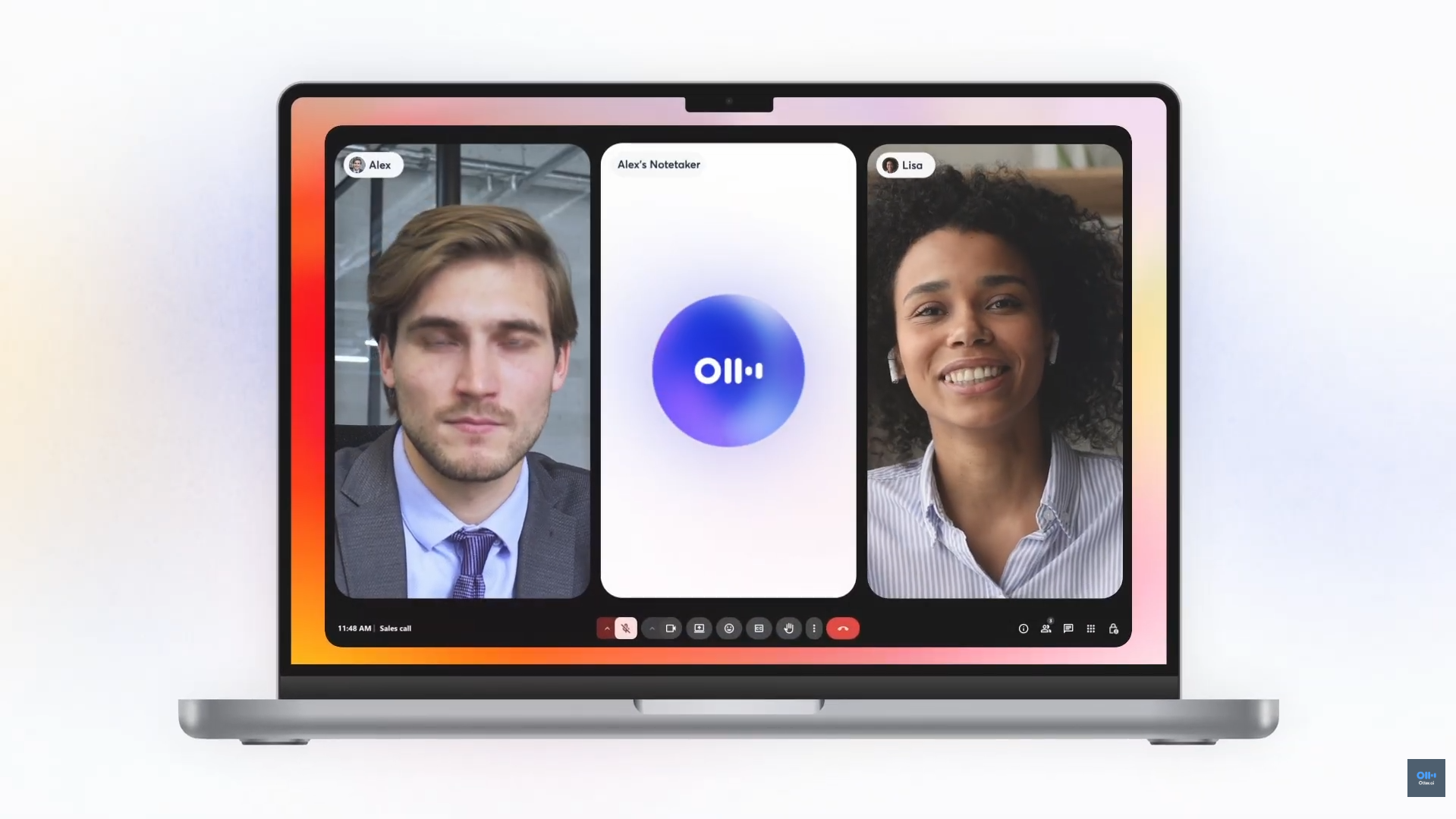
Get your insights
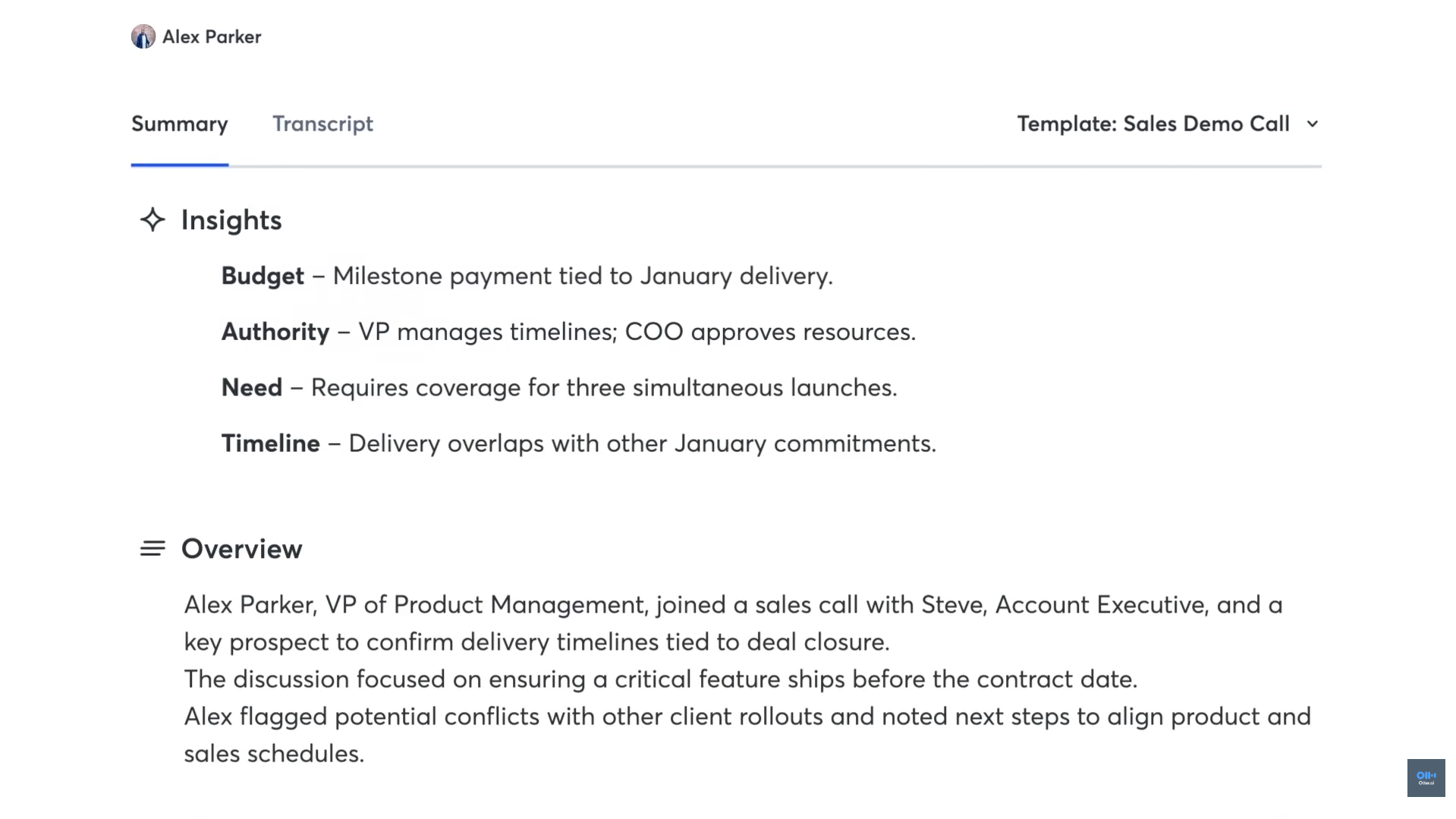
See Otter in Action
About Otter
What Is Otter?
Otter is a meeting-focused AI assistant built to capture what’s said in calls and conversations and turn it into something useful afterward. It creates structured notes from spoken content—so you can review, share, and search what happened without relying on memory or manual note-taking.
Where you can use it
Otter works in the browser, includes mobile apps for iOS and Android, and also offers a desktop app for Windows and Mac—useful when you want to capture conversations without adding a bot to a meeting.
Integrations and workflow fit
Otter connects with common team tools so meeting outcomes don’t stay trapped in a transcript. It supports Slack for sharing notes, HubSpot for CRM logging, and Zapier for automation. It also connects with Google Workspace apps (like Google Calendar/Docs/Drive) and Microsoft 365 apps (like Outlook, Teams, OneDrive, and SharePoint).
API availability
Otter also offers a public API in beta for accounts that have access, aimed at teams who want to integrate Otter outputs into custom workflows or systems.
Features

AI API access lets developers integrate AI into apps, products, and workflows, enabling automation at scale.

AI document summarization tools extract key points from long documents to save time reading.
AI integrations connect AI tools with existing platforms to streamline workflows and automation.

AI speech-to-text tools convert spoken audio into accurate written transcripts.
AI team collaboration tools support shared workspaces and structured teamwork around AI workflows.

AI text summarization tools condense long text into clear, easy-to-read summaries.
Use Cases
Business management AI tools help:
- organize and manage business operations
- improve planning and decision-making
- automate routine management tasks
- increase visibility across teams and processes
These tools help businesses run more efficiently and stay organized as they scale.
Customer support AI tools help:
- automate responses to common questions
- reduce support workload and response time
- improve customer satisfaction and consistency
- support teams across multiple channels
These tools help businesses deliver faster, more reliable customer support.
Education AI tools help:
- personalize learning experiences
- support teaching and lesson planning
- automate grading and assessments
- improve engagement and learning outcomes
These tools help educators and learners save time and improve educational results.
HR AI tools help:
- streamline hiring and recruitment processes
- automate HR administration tasks
- improve employee engagement and support
- analyze workforce data and insights
These tools help HR teams work more efficiently and make better people decisions.
Productivity AI tools help:
- organize tasks and priorities
- automate routine work
- improve focus and time management
- reduce distractions and overload
These tools help individuals and teams get more done with less effort.
Pricing
Features:
- 300 Transcription minutes per month.
- 30 Minutes maximum duration per conversation.
- 3 Audio/Video file imports (lifetime total, not monthly).
- Otter AI Chat: Ask questions about your live meetings.
- Real-time automated summaries and key takeaways.
- Basic Integrations: Connects to Zoom, Google Meet, and Microsoft Teams.
Features:
- 1,200 Transcription minutes per month.
- 90 Minutes maximum duration per conversation.
- 10 Audio/Video file imports per month.
- Custom Vocabulary: Add up to 200 specific names or technical terms.
- Advanced Search and Export: Search across all meetings and export to PDF, DOCX, and SRT.
- Tag Speakers and assign action items to team members.
- Playback speeds (up to 3x) and skip silence features.
Features:
- 6,000 Transcription minutes per month.
- 4 Hours maximum duration per conversation.
- Unlimited Audio/Video file imports.
- Join up to 3 meetings simultaneously to record and summarize.
- Admin Tools: Usage analytics, centralized billing, and user management.
- Prioritized Support (Faster response times from the Otter team).
- Team Collaboration: Shared folders and shared custom vocabulary (up to 800 terms).
- Advanced Security: Control recording and sharing permissions across your team.
Pricing information is provided for reference only and may change.
For the most up-to-date pricing, please visit the
official website
.
Alternatives to Otter




Leave a comment