Qdrant
Platforms:
API
Desktop
Web
Integrations:
Google Workspace
Hubspot
Microsoft 365
Slack
Zapier

Qdrant

Freemium
A production-ready vector similarity search engine that provides a simple API to store, search, and manage high-dimensional data points.
No ratings yet
 | 0 reviews
Added: Mar 04, 2026
Updated: Mar 31, 2026

See Qdrant in Action

About Qdrant

What Is Qdrant?

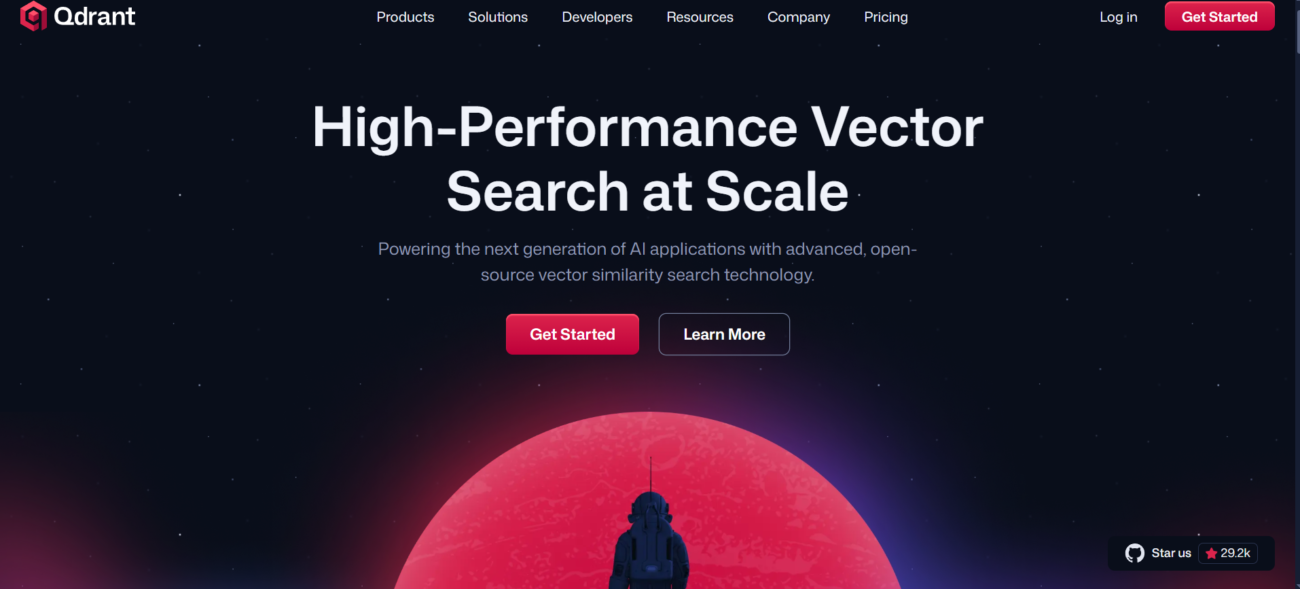
Qdrant is a specialized vector database and search engine built for high-performance AI applications. Written entirely in Rust, it is optimized for speed, reliability, and massive-scale data processing. In 2026, it is a primary choice for developers building agentic workflows, offering advanced features like relevance feedback and tiered multitenancy to handle complex, isolated data for different users or tenants. Its architecture allows it to handle billions of vectors while maintaining sub-millisecond search latencies.

Where You Can Use It

Qdrant offers flexible deployment across the entire development lifecycle. For rapid prototyping and local development, you can run Qdrant on your Desktop using Docker or standalone binaries for Windows, Linux, and macOS. Production workloads are typically handled via Qdrant Cloud, which provides a managed Web console for cluster oversight, horizontal scaling, and monitoring. All interaction occurs through a high-performance API (supporting REST and gRPC), making it easy to integrate into modern web and mobile application stacks.

What It’s Known For

Qdrant is best known for its Advanced Filtering capabilities, allowing users to combine vector similarity search with complex business logic and metadata filters without sacrificing performance. It is highly regarded for its Resource Efficiency, utilizing 4-bit and binary quantization to dramatically reduce memory usage while maintaining high accuracy. In 2026, it is recognized for Qdrant Edge, an embedded version of the engine that brings powerful vector search directly onto edge devices, and its Hybrid Cloud model, which allows enterprises to “bring their own cloud” for maximum data sovereignty.

Features

AI Automation Workflows

AI automation workflows automate tasks across tools and apps, helping teams reduce manual work and scale faster.

AI Chatbots
AI Chatbots

AI chatbots answer questions, support customers, and automate conversations across websites, apps, and messaging platforms.

AI Code Tools
AI Code Tools

AI code tools help developers write, debug, and understand code faster across the development process.

AI Integrations
AI Integrations

AI integrations connect AI tools with existing platforms to streamline workflows and automation.

AI Natural Language Processing

AI natural language processing helps software understand, analyze, and work with human language.

AI Team Collaboration

AI team collaboration tools support shared workspaces and structured teamwork around AI workflows.

Use Cases

App Creation

App creation AI tools help:

  • build apps faster with less code
  • generate app logic and UI components
  • automate repetitive development tasks
  • support rapid prototyping and testing

These tools simplify app development and help teams launch products faster.

View all tools for App Creation
Automation

Automation AI tools help:

  • automate repetitive tasks and workflows
  • connect apps and systems together
  • reduce manual work across operations
  • scale processes with minimal effort

These tools streamline operations and help teams work more efficiently.

View all tools for Automation
Development

Development AI tools help:

  • write, debug, and refactor code faster
  • understand existing codebases more easily
  • automate repetitive development tasks
  • improve productivity across the development lifecycle

These tools help teams build, test, and ship software more efficiently.

View all tools for Development
Education

Education AI tools help:

  • personalize learning experiences
  • support teaching and lesson planning
  • automate grading and assessments
  • improve engagement and learning outcomes

These tools help educators and learners save time and improve educational results.

View all tools for Education
Startups

Startups AI tools help:

  • build and validate products faster
  • automate operations with small teams
  • support data-driven decisions
  • scale workflows efficiently

These tools help startups move faster and compete with limited resources.

View all tools for Startups
Website Creation

Website creation AI tools help:

  • build websites faster with less technical effort
  • generate layouts, pages, and content
  • customize design and structure easily
  • automate setup and publishing tasks

These tools help users launch and manage websites more efficiently.

View all tools for Website Creation

Pricing

Free Tier
$0
Per Month

Features:

  • 1GB Managed Cluster: No credit card required to start.
  • Storage: Holds roughly 1 million vectors (at 768 dimensions).
  • Single Node: No high availability (if the node goes down for maintenance, there is a brief interruption).
  • Automatic Suspension: Clusters are suspended after 1 week of inactivity and deleted after 4 weeks (you must “poke” them to keep them alive).
  • Limited Support: Community-based support via Discord and GitHub.
Standard Plan
$25
Per Month

Features:

  • 99.5% Uptime SLA: Your first step into production-grade reliability.
  • Dedicated Resources: Unlike the Free tier, your CPU and RAM are not shared with other users.
  • Continuous Backups: Automated snapshots for disaster recovery (not available on Free).
  • Zero-Downtime Upgrades: Scale your RAM or CPU vertically without taking your app offline.
  • Horizontal Scaling: Add more nodes to increase query throughput.
  • Standard Support: Direct email access to Qdrant engineers.
Hybrid
$500
Per Month

Features:

  • Bring Your Own Cloud (BYOC): Run the Qdrant engine on your own AWS/GCP/Azure account but manage it via the Qdrant dashboard.
  • Private Link: Connect your vector DB to your app via a private network (no traffic over the public internet).
  • SAML/SSO: Enterprise-grade identity management.
  • 99.99% Uptime SLA: High-availability configurations with multi-region replication.
  • 24/7 Priority Support: 1-hour response time for critical production issues.
Would you recommend Qdrant?

Leave a comment

arrow
Your rating:

Alternatives to Qdrant

hotpot ai
Hotpot AI
No ratings yet
An all-in-one AI "creative helper" that specializes in image generation, photo restoration,…
Free + Paid
API
Desktop
Web
View Tool
wolfram-alpha icon
WolframAlpha
No ratings yet
A specialized AI tool that provides precise, expert-level answers in mathematics, science,…
Free + Paid
API
Desktop
Mobile
Web
View Tool
sci space
SciSpace
No ratings yet
A comprehensive research workspace that utilizes an AI "Co-Scientist" to analyze millions…
Free + Paid
API
Desktop
Mobile
Web
View Tool
consensys logo
Consensus
No ratings yet
A specialized research tool that uses large language models to extract and…
Free + Paid
API
Desktop
Mobile
Web
View Tool