



Runway




How Runway Works
Enter your prompt, idea of a video
Get your output
See Runway in Action
About Runway
What Is Runway?
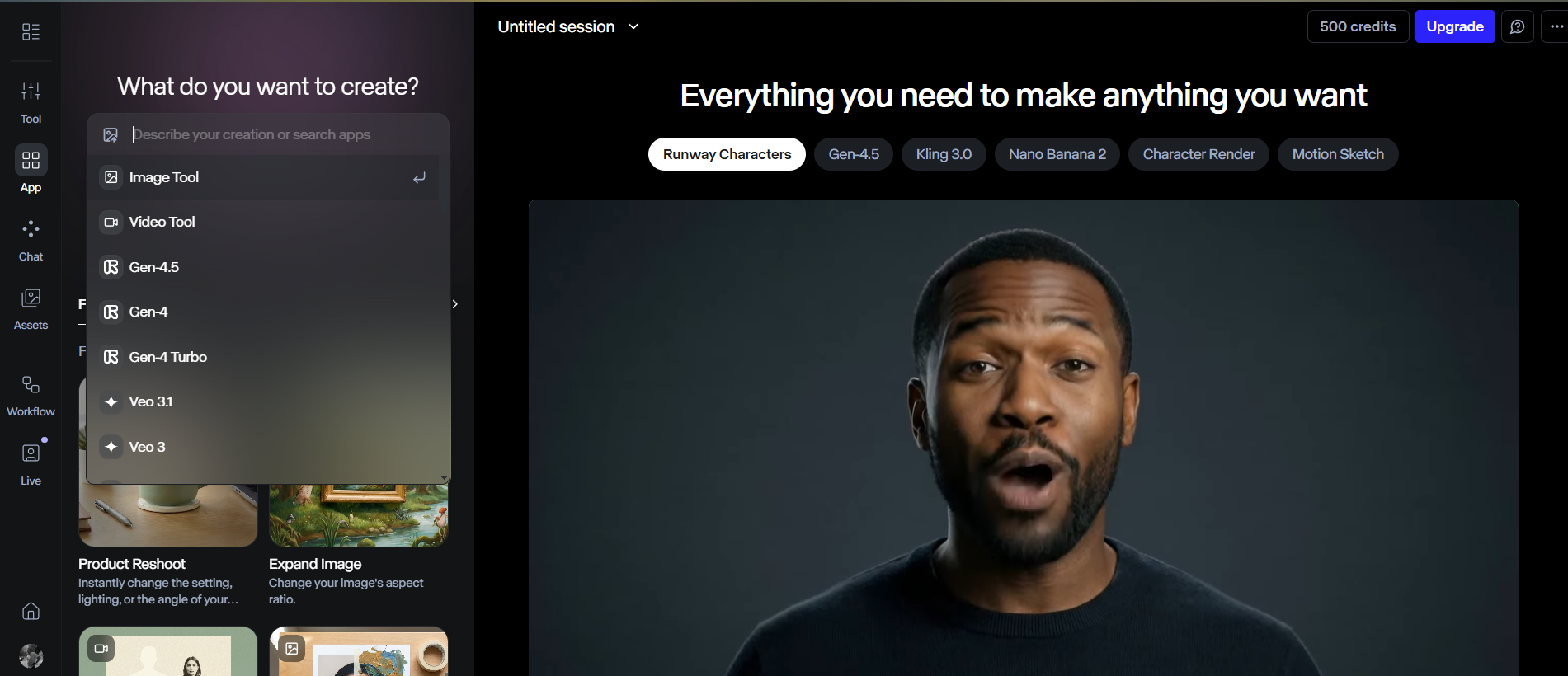
Runway is a creative toolkit that helps you generate new video content and transform existing footage using generative AI. It’s widely used for rapid ideation, concept visuals, and producing short-form assets when you want high iteration speed and direct prompt-based control.
Where You Can Use It
- Web app: Create and manage projects directly in the browser.
- iOS app: Generate on iPhone (Runway notes the mobile app is iPhone-only, while other mobile devices can use the browser).
- Developer API: Access Runway’s generative models programmatically for custom apps and pipelines.
How It Fits Into a Workflow
Most teams use Runway as a “generate → review → refine” loop: start with a clear prompt or reference input, then adjust direction in small steps until the output matches the intended style and motion. For more scalable production, Runway can also be connected into automation flows (for example through Zapier) to trigger generations from other tools and systems.
Features

AI API access lets developers integrate AI into apps, products, and workflows, enabling automation at scale.

AI image editing tools enhance images, remove backgrounds, and make quick visual edits automatically.
AI image generation tools create visuals from text prompts for marketing, design, and creative projects.

AI video editing tools speed up editing by trimming videos, adding subtitles, and applying effects.

AI video generation tools create videos from text or images for fast content production.
Use Cases
Advertising AI tools help:
- create and optimize ad copy
- generate visuals and creatives faster
- improve targeting and campaign performance
- reduce manual work in ad management
These tools streamline advertising workflows and help teams launch and optimize campaigns more efficiently.
Content creation AI tools help:
- generate ideas and creative concepts
- produce written, visual, and audio content faster
- stay consistent across platforms and formats
- reduce time spent on repetitive creation tasks
These tools help creators focus more on creativity and growth instead of manual production.
Marketing AI tools help:
- plan and create campaigns faster
- generate content across multiple channels
- analyze performance and optimize strategy
- automate repetitive marketing tasks
These tools help marketing teams work more efficiently and drive better results.
Social media AI tools help:
- create posts and captions faster
- plan and schedule content consistently
- analyze performance and engagement
- automate repetitive social media tasks
These tools help teams and creators grow their presence and manage social media more efficiently.
YouTube AI tools help:
- generate video ideas, titles, and scripts
- edit videos and add captions faster
- optimize videos for reach and engagement
- automate repetitive channel tasks
These tools help creators grow their channels and produce content more efficiently.
Pricing
Features:
- 125 one-time credits (cannot be topped up).
- 3 Video Projects maximum.
- 5GB Asset storage.
- Exports include a watermark.
- Limited video resolution (usually capped at 720p for exports).
- Limited access to AI “Magic Tools.”
Features:
- 625 credits per month (resets monthly; no rollover).
- Watermark removal from all exports.
- 1080p and 4K video exports.
- Unlimited Video Projects.
- 100GB Asset storage.
- Access to all AI models (Gen-3 Alpha, Gen-4, Gen-4 Turbo).
- Upscale resolution features.
- Training 1 custom AI model (included in package).
Features:
- 2,250 credits per month.
- Priority queue for faster generation times.
- 500GB Asset storage.
- Custom Voice creation for Lip Sync and Text-to-Speech.
- All video export formats (including PNG and ProRes).
- Advanced “Magic Tools” exports.
- Higher concurrent generations (run more tasks at once).
Pricing information is provided for reference only and may change.
For the most up-to-date pricing, please visit the
official website
.
Alternatives to Runway






Leave a comment