


If 2023 was the year we learned to chat, 2026 is the year we stop...





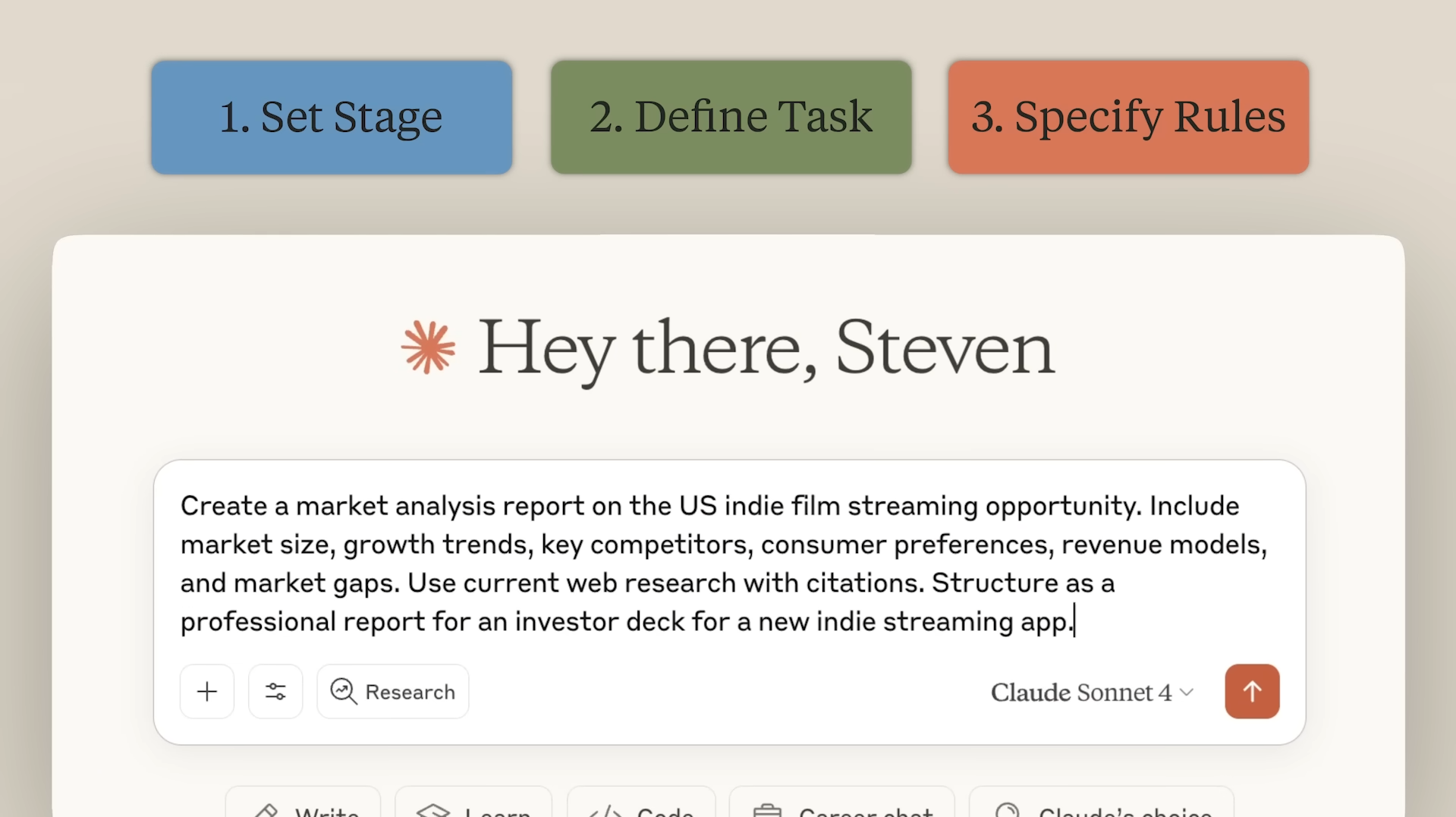
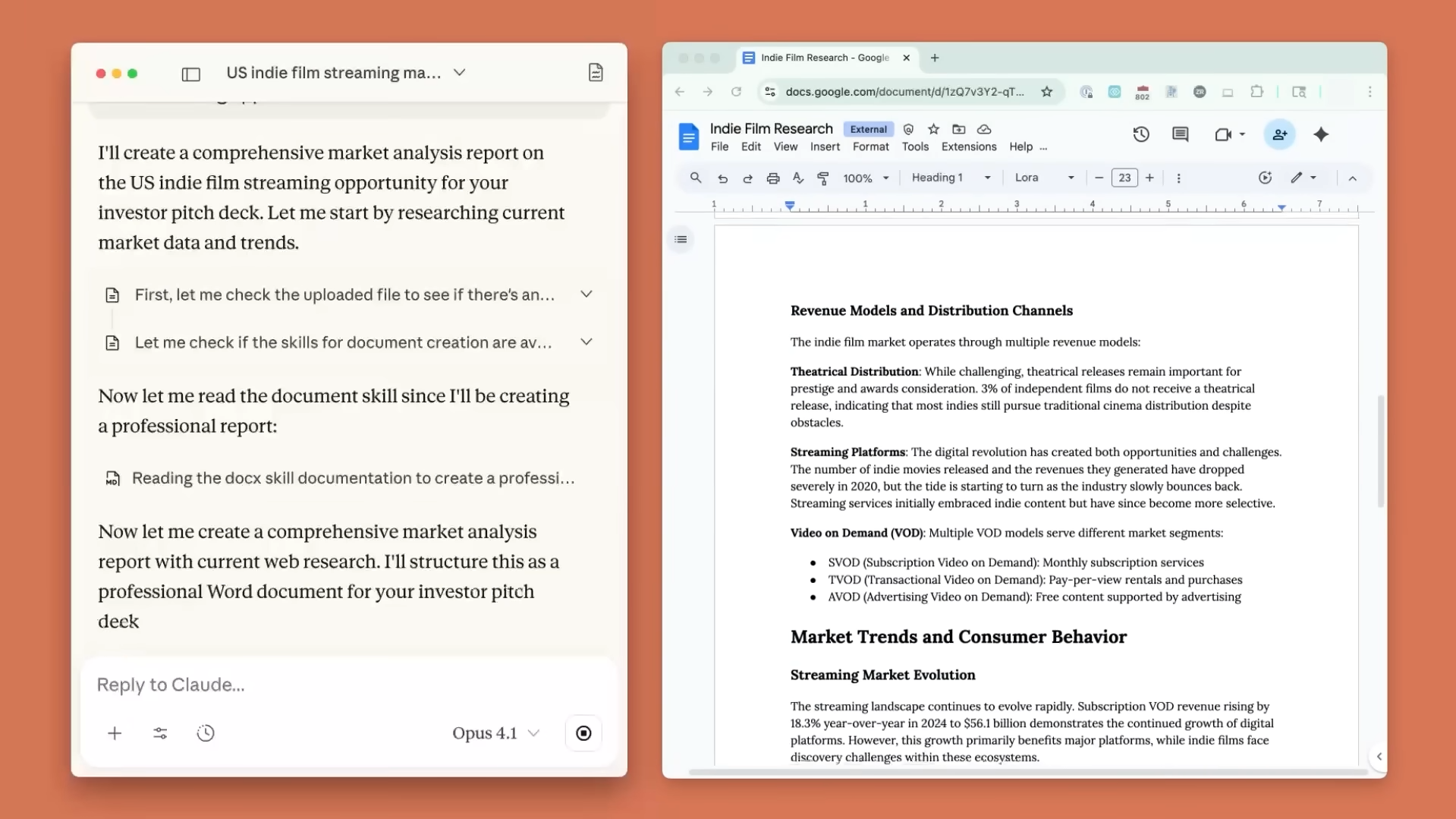
Claude is a conversational AI assistant developed by Anthropic. You interact with it by describing what you want in plain language, then refine the result through follow-up questions—like working with a thoughtful editor or problem-solving partner.
Claude is built for people who want a fast way to turn inputs (notes, instructions, documents, ideas) into structured outputs they can actually use. Instead of starting from a blank page, you can iterate in a conversation—tighten the tone, adjust format, expand or shorten sections, and keep improving until it matches what you need.
Claude is available through a web experience and official desktop and mobile apps, so it can fit both quick daily tasks and longer sessions. For teams and builders, Claude also has an API so it can be used inside products, internal tools, and custom workflows.
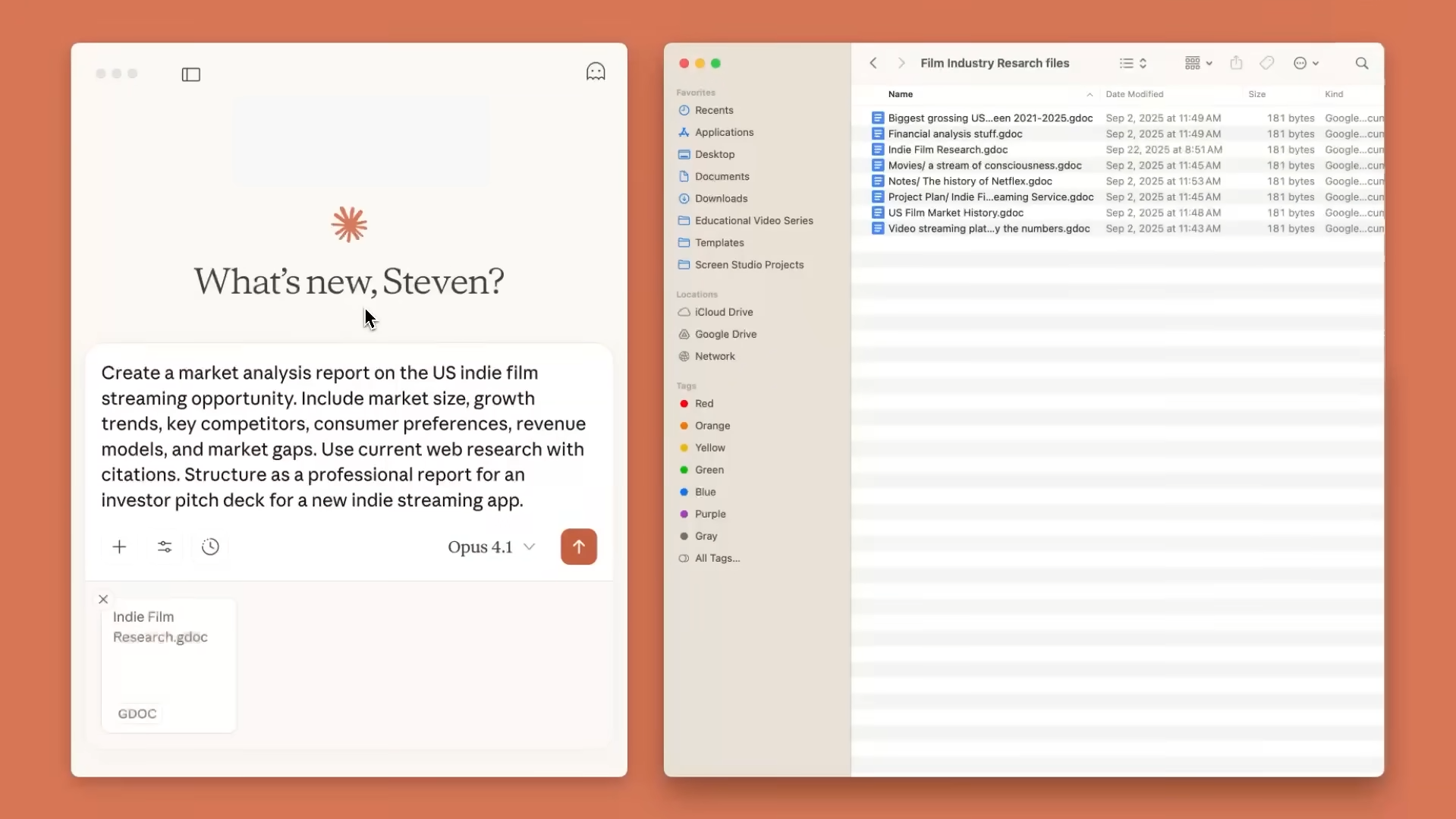
Claude can also connect to popular work tools, which helps it respond with better context and reduce copy-pasting between apps. Depending on your plan and setup, this can include workplace connectors (like Google Workspace and Microsoft 365) and automation paths through Zapier.

AI chatbots answer questions, support customers, and automate conversations across websites, apps, and messaging platforms.

AI code tools help developers write, debug, and understand code faster across the development process.

AI content writing tools generate blog posts, outlines, and long-form content, helping users write faster and stay consistent.

AI data analysis tools analyze data, uncover patterns, and generate insights to support better decisions.

AI document summarization tools extract key points from long documents to save time reading.
AI natural language processing helps software understand, analyze, and work with human language.
Content creation AI tools help:
These tools help creators focus more on creativity and growth instead of manual production.
Customer support AI tools help:
These tools help businesses deliver faster, more reliable customer support.
Development AI tools help:
These tools help teams build, test, and ship software more efficiently.
Marketing AI tools help:
These tools help marketing teams work more efficiently and drive better results.
Productivity AI tools help:
These tools help individuals and teams get more done with less effort.
Research AI tools help:
These tools help researchers work more efficiently and focus on analysis instead of data gathering.
Everything in Free, plus:
Everything in Pro, plus:
Pricing information is provided for reference only and may change.
For the most up-to-date pricing, please visit the
official website
.



If 2023 was the year we learned to chat, 2026 is the year we stop...
Leave a comment