If 2023 was the year we learned to chat, 2026 is the year we stop...
Microsoft Copilot
How Microsoft Copilot Works
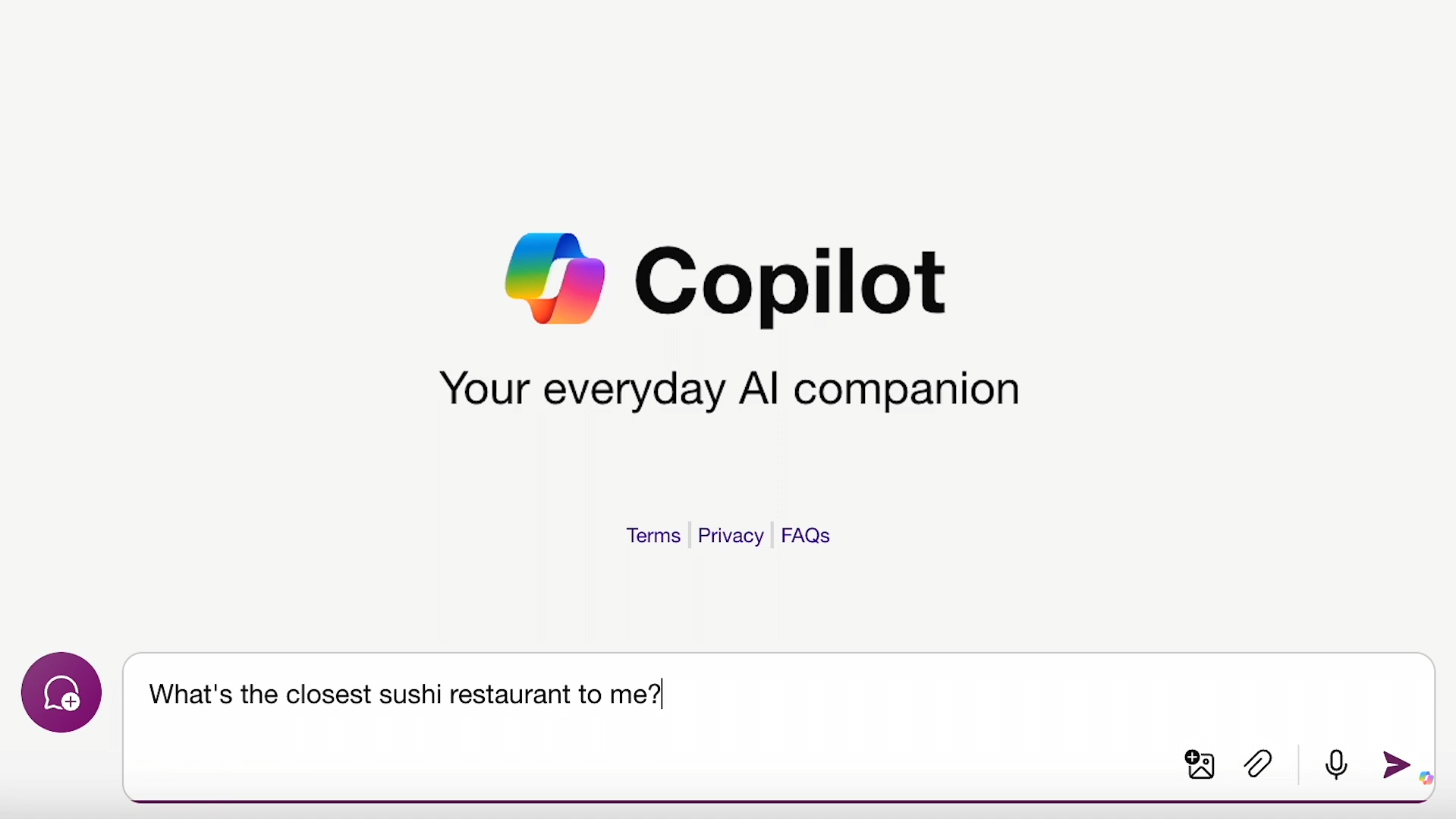
Enter your prompt (question, task, etc)
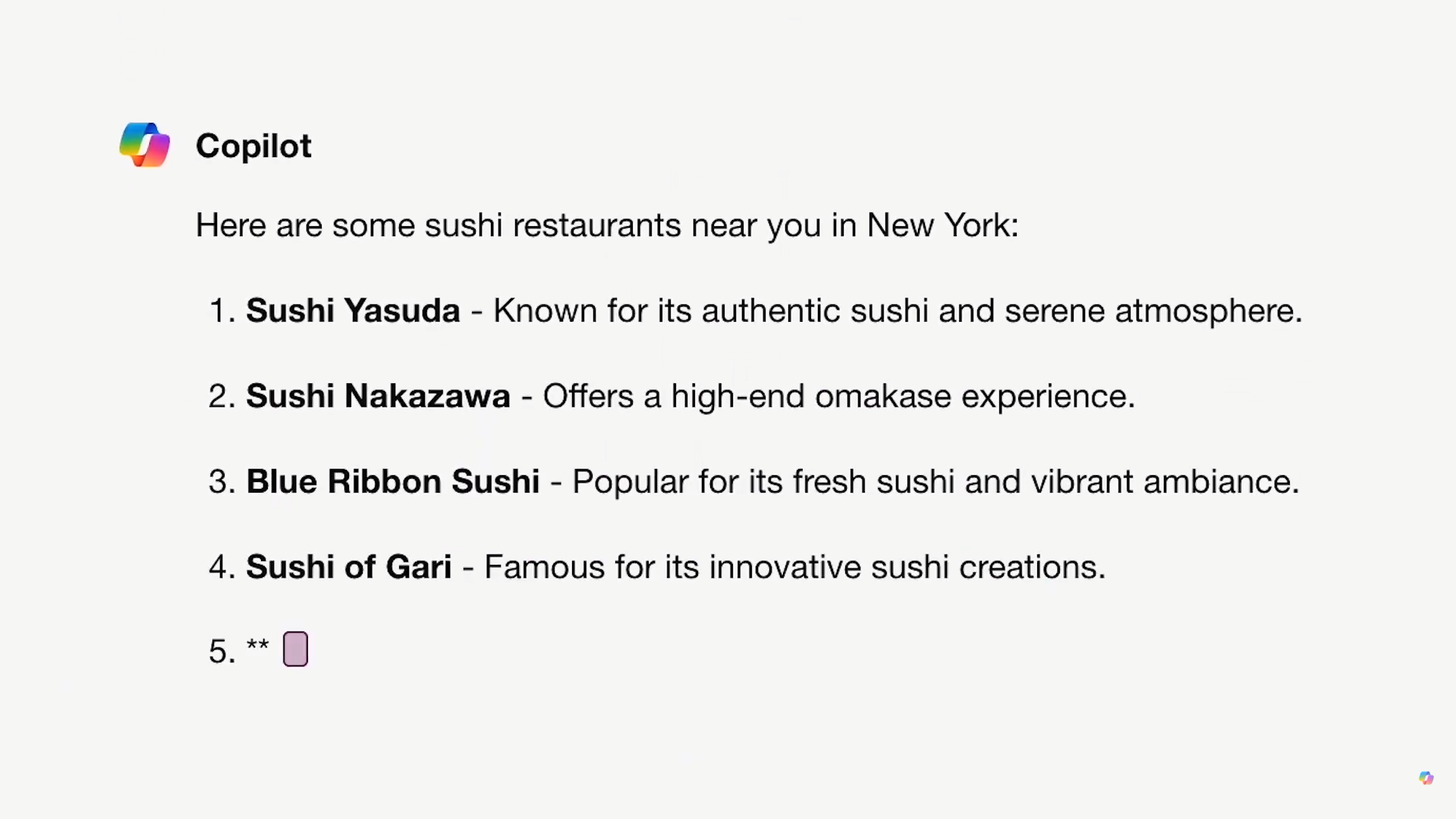
Get your output
See Microsoft Copilot in Action
About Microsoft Copilot
What Is Microsoft Copilot?
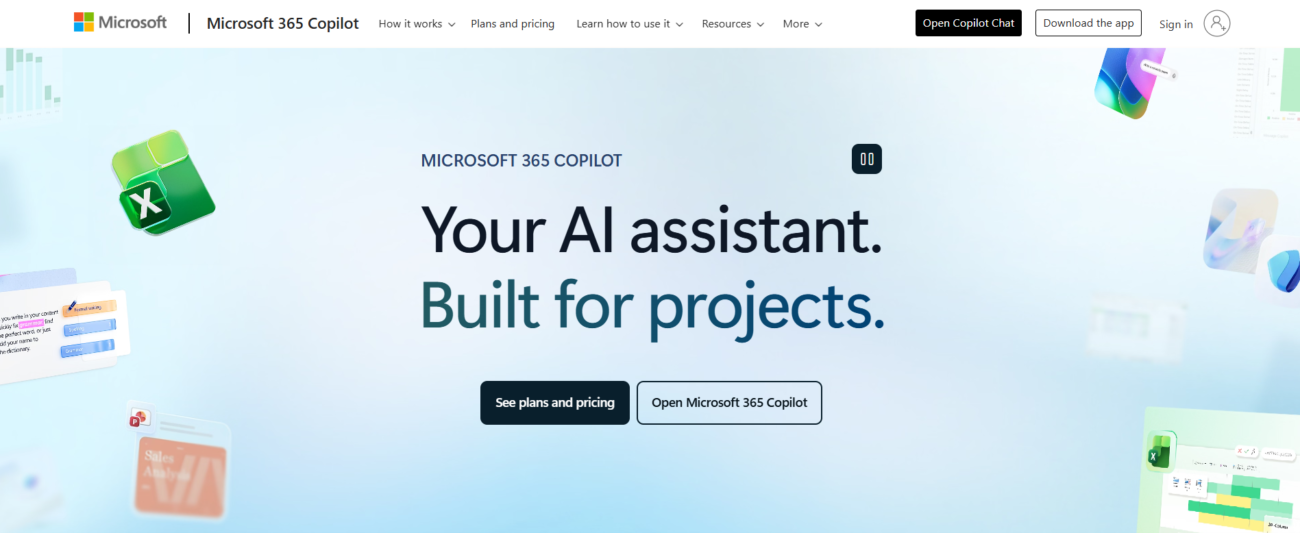
Microsoft Copilot is an AI companion designed to help you think, write, and get things done faster through conversation. You can ask questions, provide context, and then refine the output with follow-up prompts until it matches the format and tone you need.
What You Can Do With It
Copilot is built for quick iteration: generate a first draft, improve clarity, shorten or expand a section, or restructure content into a more usable format. It’s especially helpful when you want a clean starting point and a fast way to refine it without rewriting from scratch.
Where You Can Use It
Microsoft Copilot is available on the web, and Microsoft also offers Copilot apps for desktop and mobile so you can use it across devices.
How It Fits Into a Workflow
Most people get the best results by giving Copilot a clear goal and constraints (audience, length, tone, and structure). Over time, saving your best prompts as simple templates helps keep outputs consistent and speeds up repeat work.
Features
AI chatbots answer questions, support customers, and automate conversations across websites, apps, and messaging platforms.
AI content writing tools generate blog posts, outlines, and long-form content, helping users write faster and stay consistent.
AI document summarization tools extract key points from long documents to save time reading.
AI multilingual support enables tools to understand and generate content in multiple languages.
AI translation tools convert text between languages quickly and accurately.
Use Cases
Content creation AI tools help:
- generate ideas and creative concepts
- produce written, visual, and audio content faster
- stay consistent across platforms and formats
- reduce time spent on repetitive creation tasks
These tools help creators focus more on creativity and growth instead of manual production.
Marketing AI tools help:
- plan and create campaigns faster
- generate content across multiple channels
- analyze performance and optimize strategy
- automate repetitive marketing tasks
These tools help marketing teams work more efficiently and drive better results.
Productivity AI tools help:
- organize tasks and priorities
- automate routine work
- improve focus and time management
- reduce distractions and overload
These tools help individuals and teams get more done with less effort.
Research AI tools help:
- analyze large volumes of information
- summarize papers and key findings
- discover patterns and insights faster
- reduce time spent on manual research
These tools help researchers work more efficiently and focus on analysis instead of data gathering.
Students AI tools help:
- study and learn more effectively
- summarize notes and materials
- manage assignments and deadlines
- improve writing and research
These tools help students save time and stay organized throughout their studies.
Teaching AI tools help:
- plan lessons and learning materials faster
- automate grading and student feedback
- personalize instruction and learning paths
- reduce administrative workload
These tools help educators save time and focus more on teaching and student success.
Pricing
Features:
- Access to GPT-5.2: Use the latest multimodal model during non-peak hours.
- Basic Web Grounding: Search the web in real-time for up-to-date answers.
- 15 Designer Boosts per day: Generate and edit AI images.
- Copilot GPTs: Access to specialized assistants like the Cooking Assistant or Designer.
- Mobile App: Available on iOS, Android, and Windows.
- Data Privacy: Your personal data is protected but may be used for product improvement (consumer-grade privacy).
Features:
- Priority Model Access: Use GPT-5.2 and high-reasoning models even during peak hours.
- Copilot in Office: Use AI directly inside Word, Excel, PowerPoint, OneNote, and Outlook.
- 60 Minutes Daily Voice: Talk to Copilot hands-free with reference to your “Memory” (personalization).
- 100 Designer Boosts per day: Higher limit and faster generation for AI images.
- Notebooks: A specialized workspace to collect and ground the AI on your personal OneDrive files.
- 1 TB OneDrive Storage included.
- Microsoft Defender and advanced security for 1 person.
Features:
- Enterprise-grade Security: Your data is strictly private and never used to train models.
- Microsoft Graph Grounding: The AI “knows” your work emails, Teams chats, and SharePoint files.
- Copilot in Teams: Summarize live meetings, extract action items, and “catch up” on missed calls.
- Copilot Studio: Build your own custom AI agents and automate business workflows.
- Unlimited Pro Searches with no daily caps.
- Priority Support and centralized admin console for licensing.
- Microsoft Vids: Full access to the AI-powered video creation tool for professional presentations.
Pricing information is provided for reference only and may change.
For the most up-to-date pricing, please visit the
official website
.
Leave a comment