




Synthesia



How Synthesia Works
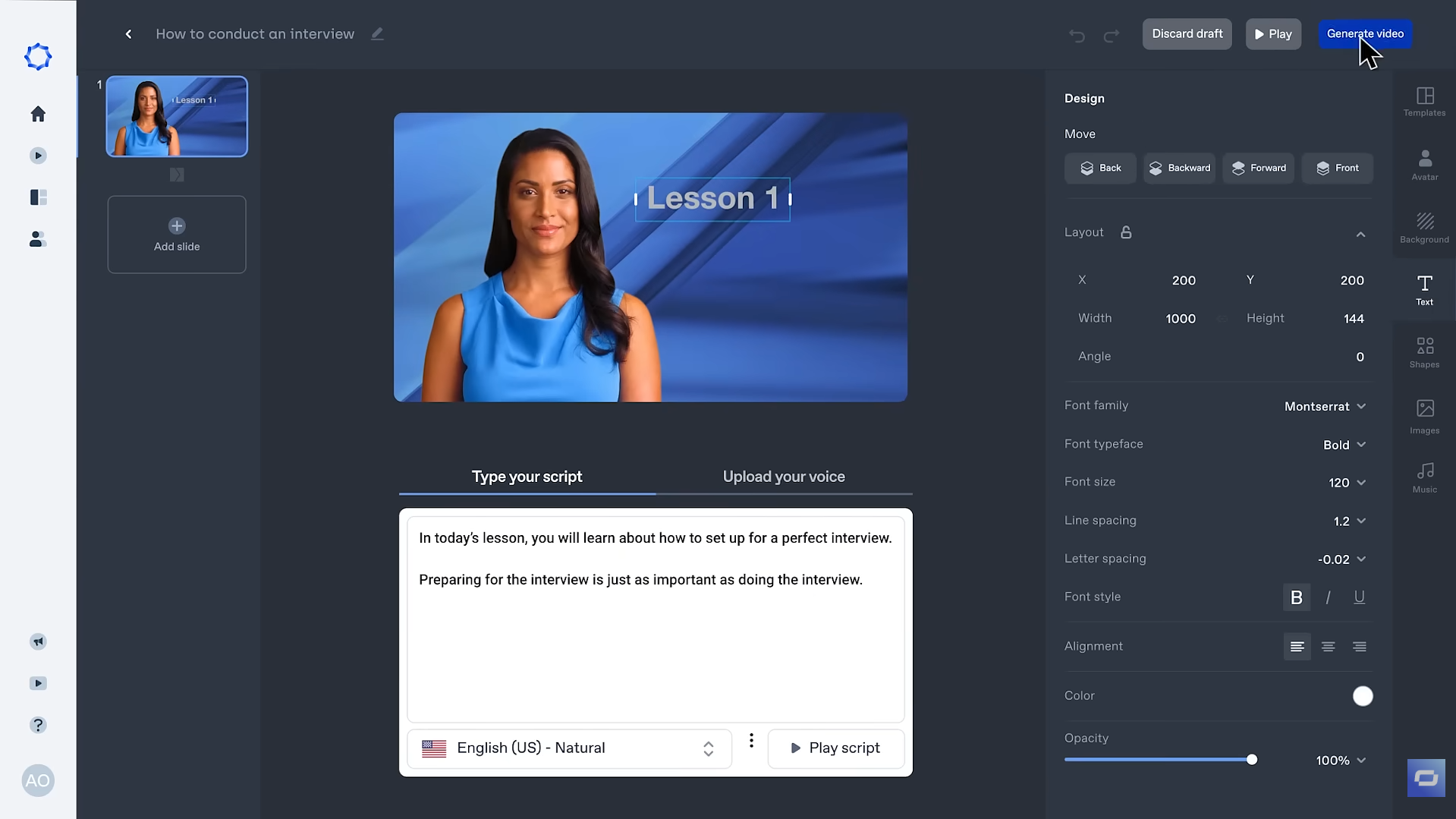
Type your script
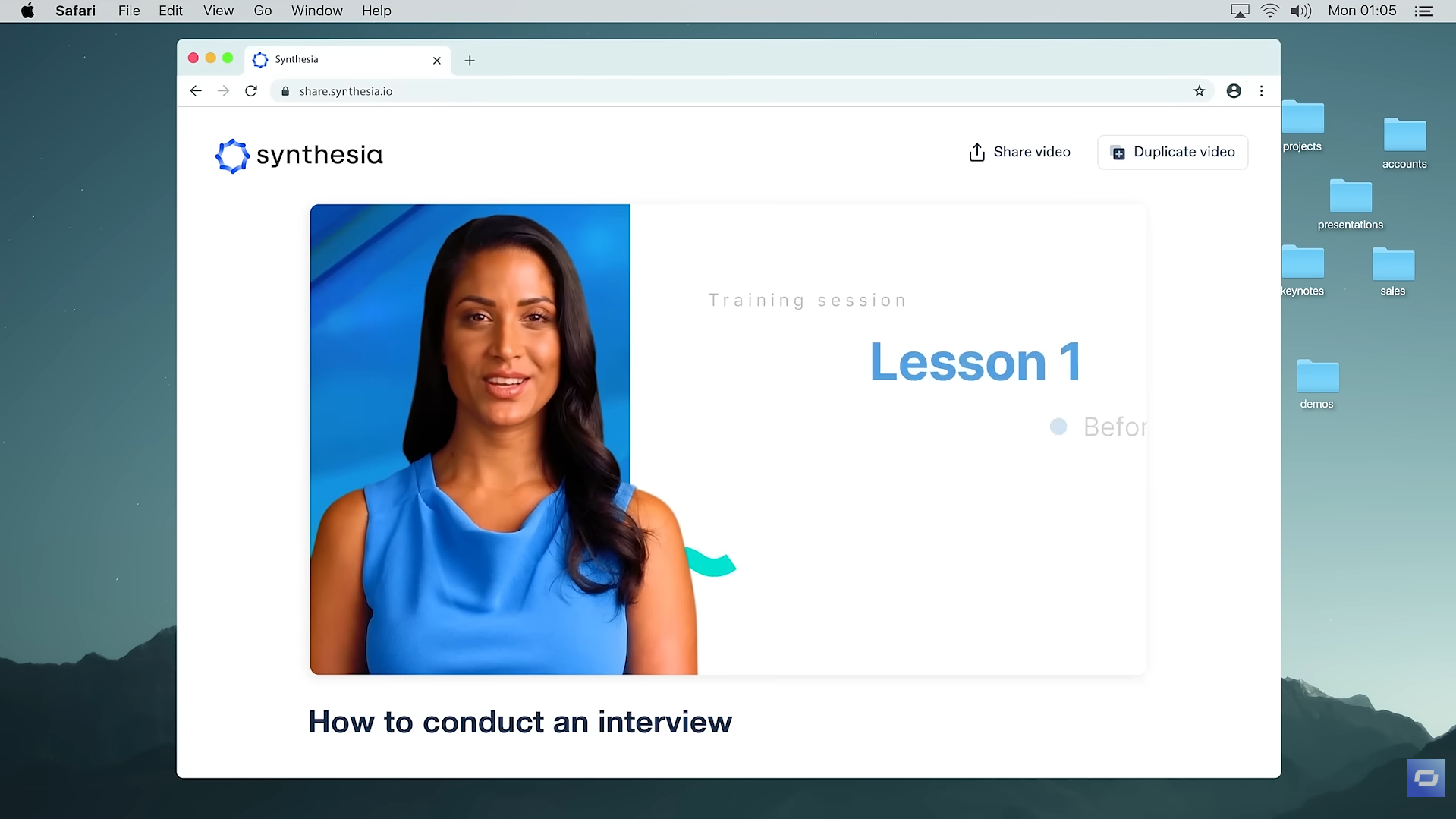
Get your video ready
See Synthesia in Action
About Synthesia
What Is Synthesia?
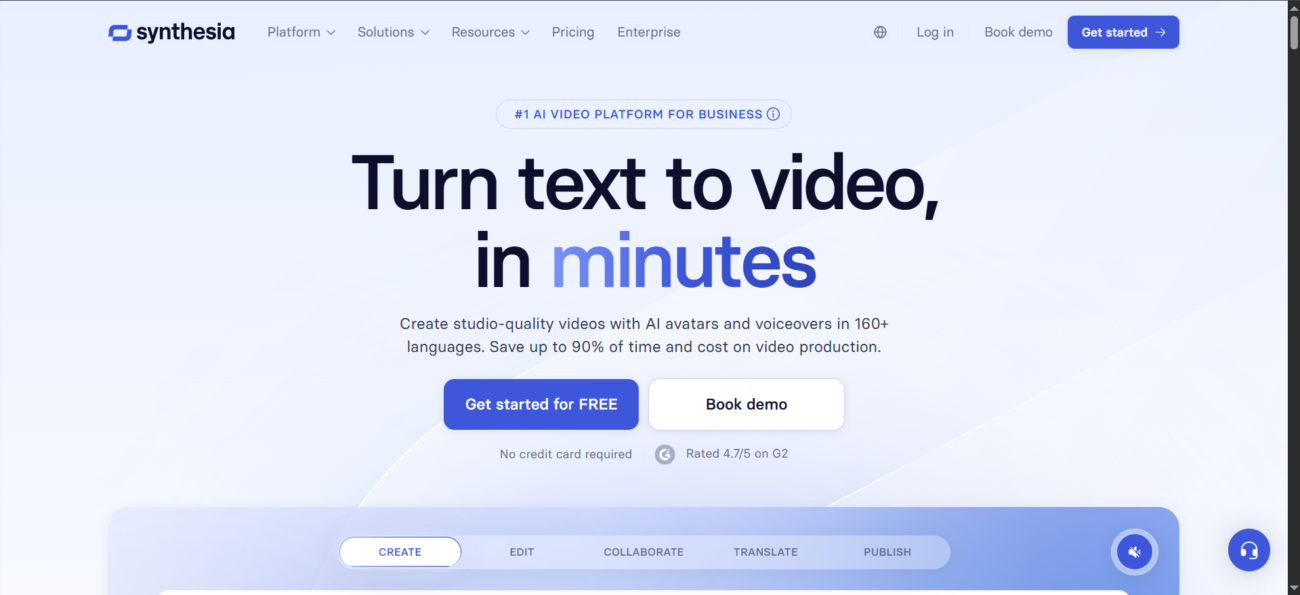
Synthesia is a browser-based AI video studio that helps you create presenter-style videos without cameras, actors, or complex editing. You start with text (or existing content), choose a template and avatar style, and generate a video you can iterate on quickly.
How People Typically Use It
Teams use Synthesia to produce consistent, repeatable videos for internal and external communication—especially when they need updates in multiple languages, fast turnaround, and a workflow that non-video specialists can use.
API and automation
For larger workflows, Synthesia also offers an API (available on higher-tier plans) so companies can generate and personalize videos programmatically, plus connect automation via tools like Zapier.
Features

AI API access lets developers integrate AI into apps, products, and workflows, enabling automation at scale.

AI translation tools convert text between languages quickly and accurately.

AI video editing tools speed up editing by trimming videos, adding subtitles, and applying effects.

AI video generation tools create videos from text or images for fast content production.
AI voice generation tools create human-like voice audio for narration, voiceovers, and content.
Use Cases
Advertising AI tools help:
- create and optimize ad copy
- generate visuals and creatives faster
- improve targeting and campaign performance
- reduce manual work in ad management
These tools streamline advertising workflows and help teams launch and optimize campaigns more efficiently.
Content creation AI tools help:
- generate ideas and creative concepts
- produce written, visual, and audio content faster
- stay consistent across platforms and formats
- reduce time spent on repetitive creation tasks
These tools help creators focus more on creativity and growth instead of manual production.
Marketing AI tools help:
- plan and create campaigns faster
- generate content across multiple channels
- analyze performance and optimize strategy
- automate repetitive marketing tasks
These tools help marketing teams work more efficiently and drive better results.
Social media AI tools help:
- create posts and captions faster
- plan and schedule content consistently
- analyze performance and engagement
- automate repetitive social media tasks
These tools help teams and creators grow their presence and manage social media more efficiently.
YouTube AI tools help:
- generate video ideas, titles, and scripts
- edit videos and add captions faster
- optimize videos for reach and engagement
- automate repetitive channel tasks
These tools help creators grow their channels and produce content more efficiently.
Pricing
Features:
- 36 minutes of video per year (equivalent to 360 credits per month).
- 9 Stock AI Avatars to choose from.
- 140+ Languages and voices supported.
- 60+ Video templates available.
- 1 Editor seat included.
- Synthesia watermark on all exports.
- No downloads: Sharing is limited to video links (some regions allow 1 watermarked export per month).
Features:
- 10 minutes of video per month (1,200 credits).
- 125+ Stock AI Avatars.
- 3 Personal Avatars (digital twins) included.
- 1 Editor seat and 3 Guest reviewers.
- Remove branding: No watermarks on your videos.
- AI Video Assistant for automated script-to-video drafts.
- AI Dubbing and translation capabilities.
- PowerPoint and PDF imports.
Features:
- 30 minutes of video per month (3,600 credits).
- 180+ Stock AI Avatars.
- 5 Personal Avatars included.
- 1 Editor seat and 5 Guest reviewers.
- Custom Fonts and brand elements.
- Branded Video Pages with call-to-action (CTA) buttons.
- API Access for automated video workflows.
- Priority support (Email and Chat).
Pricing information is provided for reference only and may change.
For the most up-to-date pricing, please visit the
official website
.
Alternatives to Synthesia





Leave a comment