




VEED



How VEED Works
Upload your video
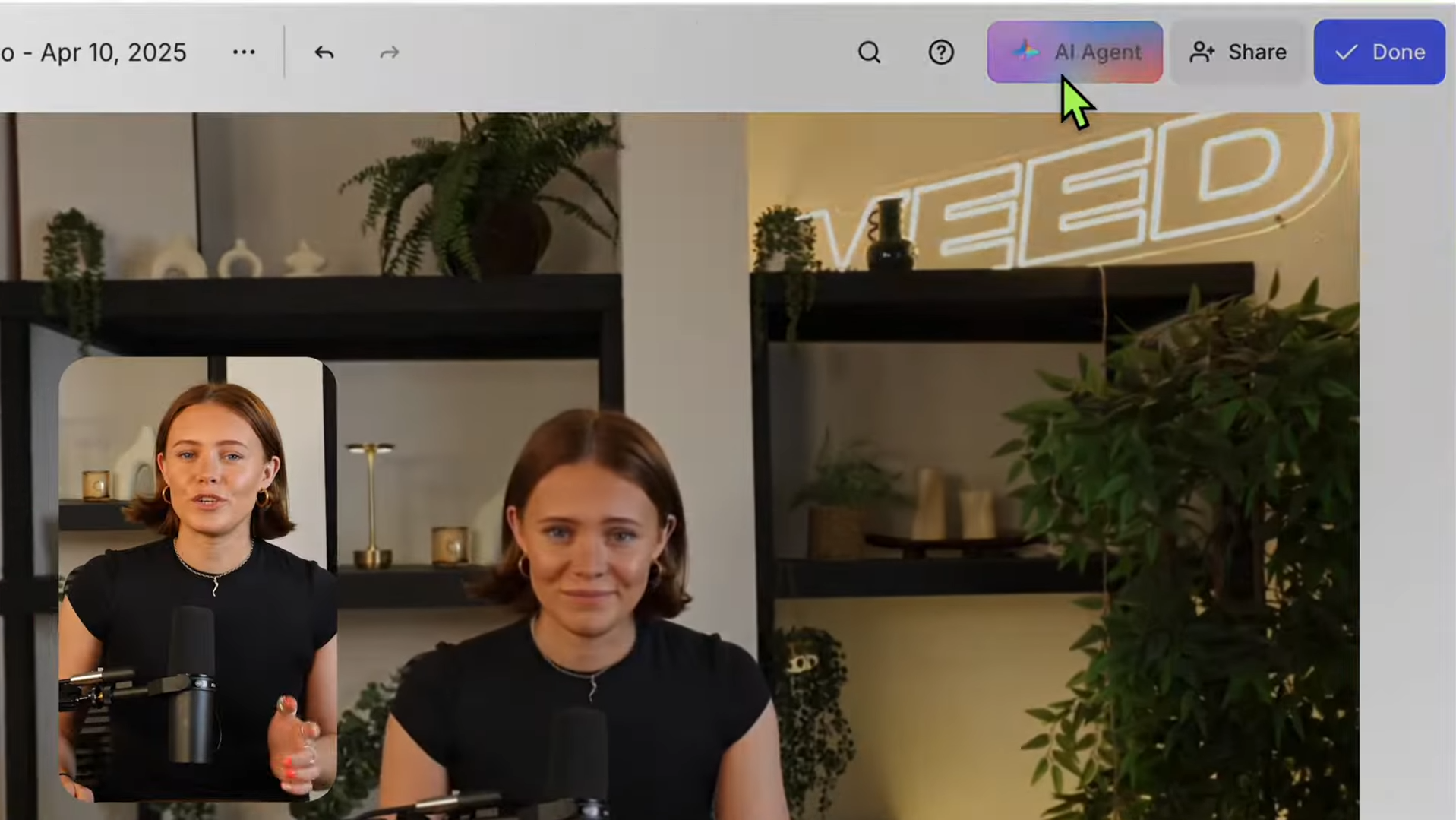
Enter your prompt
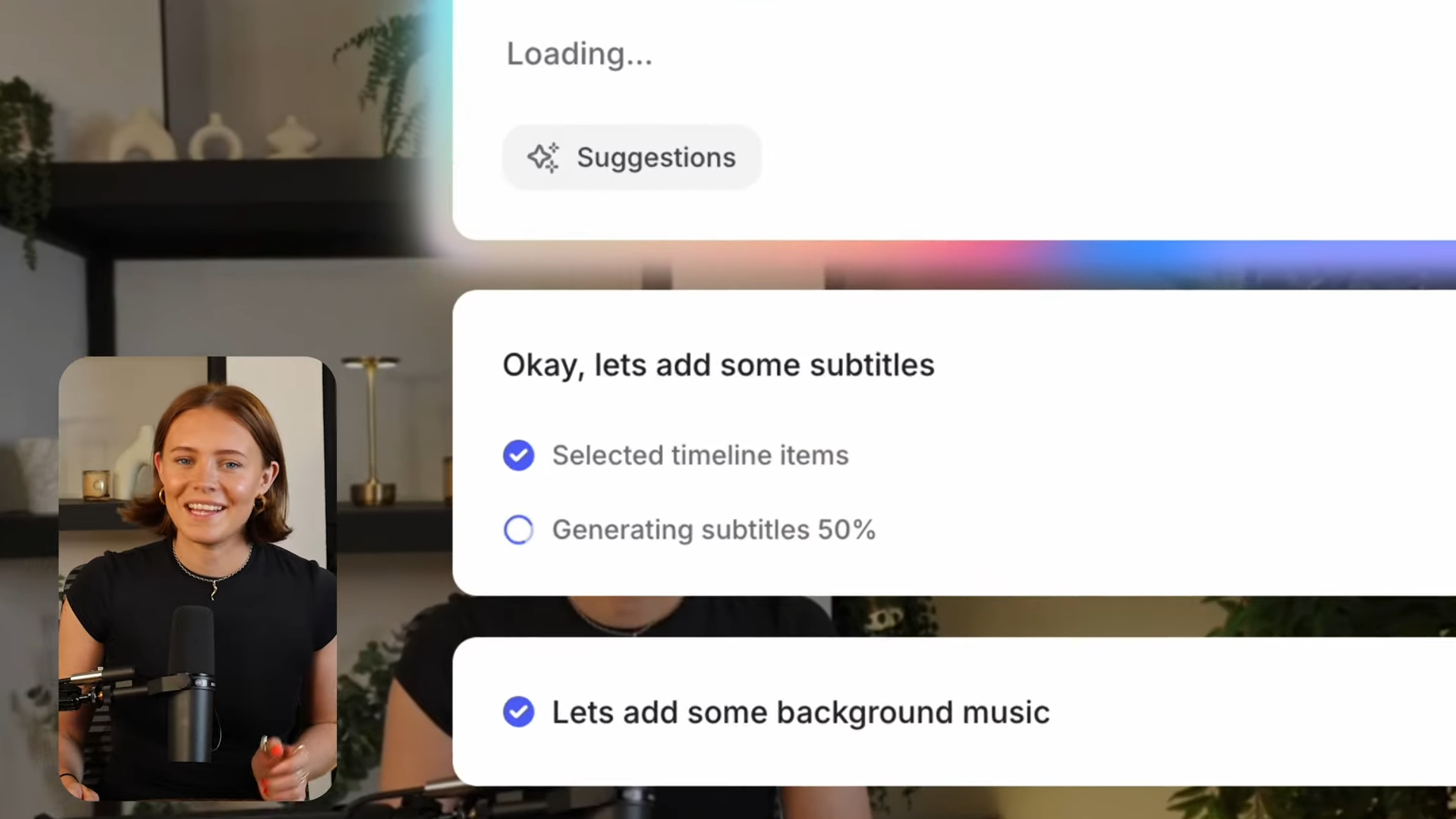
Get your output
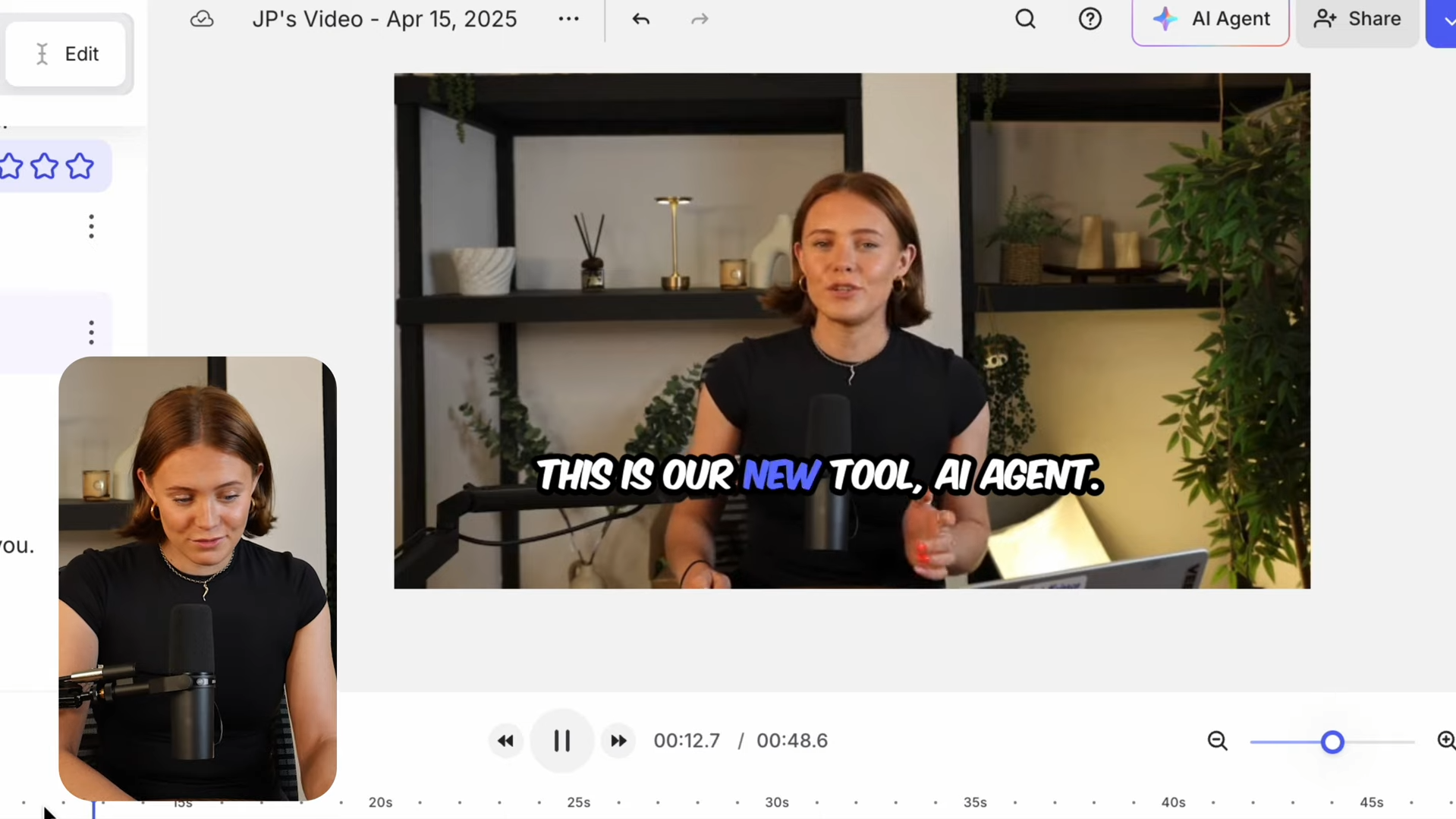
See VEED in Action
About VEED
What Is VEED?
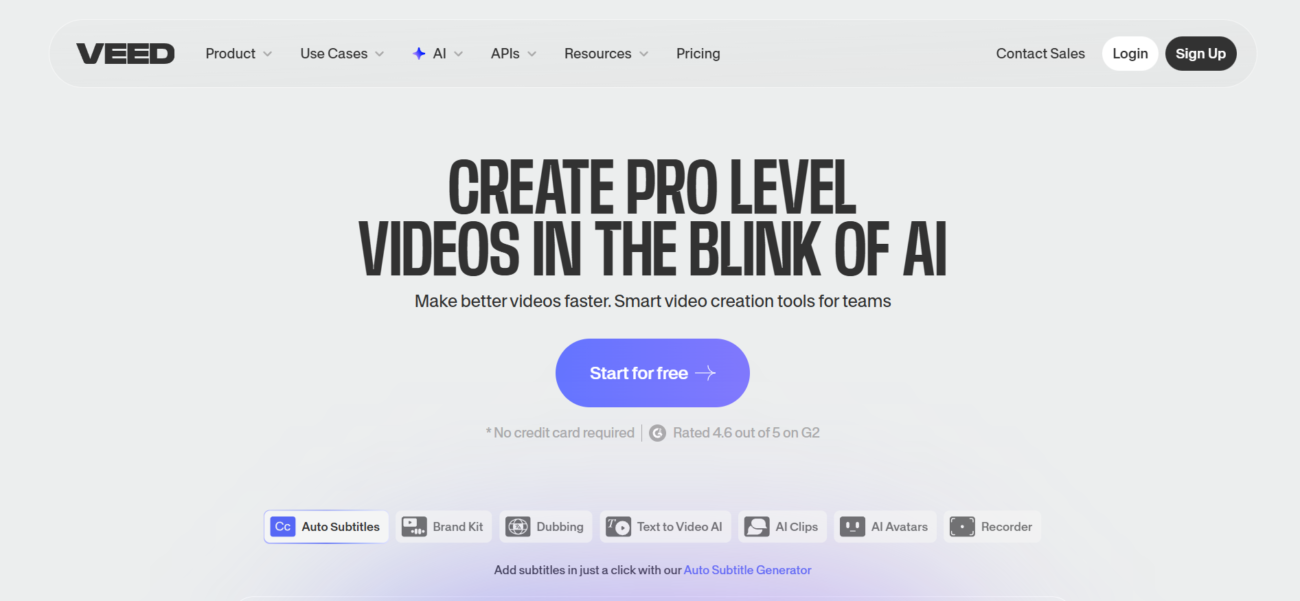
VEED is an AI-powered online video creation platform designed to help individuals and teams record, edit, and publish videos from the browser. It focuses on fast, beginner-friendly workflows, so you can go from raw footage (or text prompts) to a clean, shareable video without traditional heavyweight editing software.
Where You Can Use It
You can use VEED directly in the web editor, and it also offers an official iOS app (with Android noted as in progress). For developers or teams that need programmatic video generation, VEED also provides dedicated AI video APIs (including Fabric 1.0 and other endpoints).
Features

AI API access lets developers integrate AI into apps, products, and workflows, enabling automation at scale.

AI speech-to-text tools convert spoken audio into accurate written transcripts.
AI text-to-speech refers to generating natural-sounding voice audio from written text.

AI video editing tools speed up editing by trimming videos, adding subtitles, and applying effects.

AI video generation tools create videos from text or images for fast content production.
AI voice generation tools create human-like voice audio for narration, voiceovers, and content.
Use Cases
Advertising AI tools help:
- create and optimize ad copy
- generate visuals and creatives faster
- improve targeting and campaign performance
- reduce manual work in ad management
These tools streamline advertising workflows and help teams launch and optimize campaigns more efficiently.
Content creation AI tools help:
- generate ideas and creative concepts
- produce written, visual, and audio content faster
- stay consistent across platforms and formats
- reduce time spent on repetitive creation tasks
These tools help creators focus more on creativity and growth instead of manual production.
Marketing AI tools help:
- plan and create campaigns faster
- generate content across multiple channels
- analyze performance and optimize strategy
- automate repetitive marketing tasks
These tools help marketing teams work more efficiently and drive better results.
Social media AI tools help:
- create posts and captions faster
- plan and schedule content consistently
- analyze performance and engagement
- automate repetitive social media tasks
These tools help teams and creators grow their presence and manage social media more efficiently.
YouTube AI tools help:
- generate video ideas, titles, and scripts
- edit videos and add captions faster
- optimize videos for reach and engagement
- automate repetitive channel tasks
These tools help creators grow their channels and produce content more efficiently.
Pricing
Features:
- 30 Minutes of auto-subtitles per month.
- 10-minute maximum video length per project.
- 720p Video output quality.
- VEED watermark included on all exports.
- Basic editing tools: Cut, trim, split, and merge.
- 2GB Cloud storage.
- Standard Stock Library (limited access).
Features:
- 60 Minutes of auto-subtitles per month.
- 25-minute maximum video length per project.
- 1080p Full HD watermark-free exports.
- Unlimited file upload size.
- Simple Brand Kit (save 1 set of colors, fonts, and logos).
- Auto-resize for social media (TikTok, YouTube, Instagram).
- Clean Audio: One-click background noise removal.
- 25GB Cloud storage.
Features:
- 120 Minutes of auto-subtitles per month.
- Unlimited video length per project.
- 4K Ultra HD watermark-free exports.
- 15 Minutes of translation (translate subtitles to 50+ languages).
- AI Avatars & Voice Dubbing (up to 4 hours per year).
- Full Brand Kit (multiple sets of assets for different clients/projects).
- Advanced AI Tools: Eye Contact Correction and “Magic Cut” silence removal.
- Full Stock Library (Unlimited access to premium audio, video, and images).
- 100GB Cloud storage.
Pricing information is provided for reference only and may change.
For the most up-to-date pricing, please visit the
official website
.
Alternatives to VEED






Leave a comment